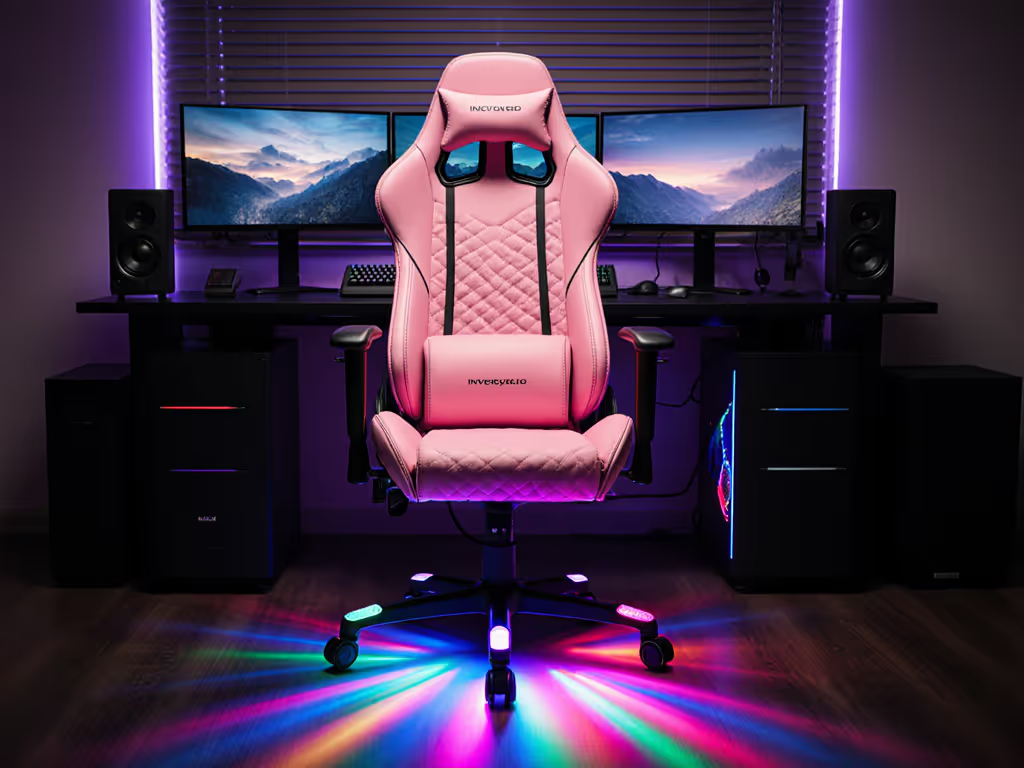
Good Gaming Chairs That Work at Your Office Desk
By Jamal Okoye • 24th Oct
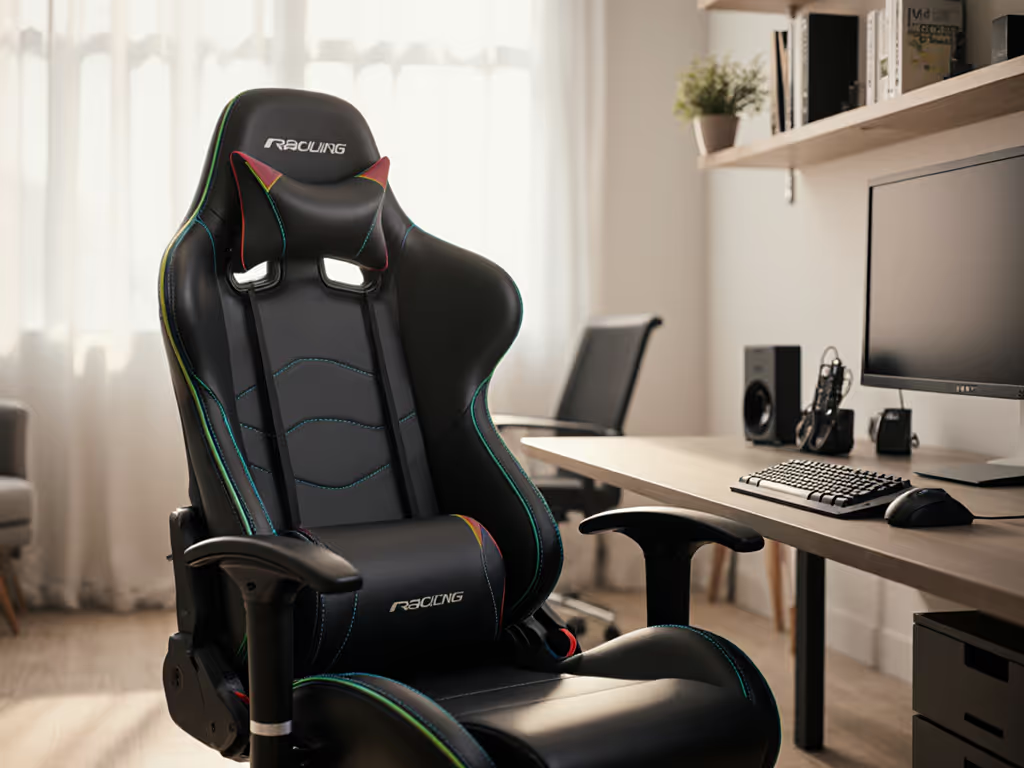
Finding the perfect good gaming chair that transitions seamlessly between marathon gaming sessions and full workdays isn't wishful thinking (it is about matching your body's geometry to the right support systems). As someone who once battled leg numbness during raids until I measured my inseam and shoulder breadth, I learned that comfort is data. The right dual-purpose throne eliminates the false choice between ergonomic office support and gaming immersion.
Why Traditional Chairs Fail Hybrid Lifestyles
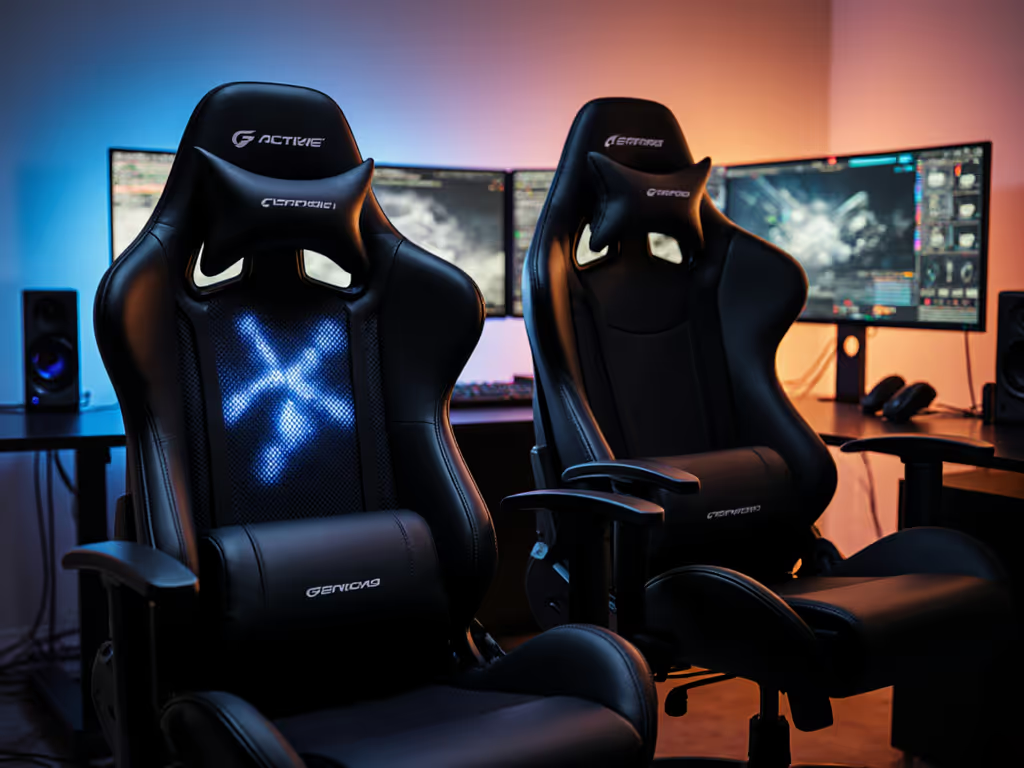
Most dedicated gaming chairs prioritize flashy aesthetics over sustained spine alignment, while standard office chairs lack the dynamic adjustability gamers need. Consider these pain points:
- Fixed dimensions squeezing thighs or leaving lumbar support misaligned
- Inadequate breathability causing sweat buildup during intense matches
- Limited recline/tilt restricting posture shifts between work and play
- Armrests without 4D adjustability hindering mouse precision
Office chairs often edge ahead in ergonomic pedigree but fall short for gamers needing:
"...a suite of features lesser seen in more traditional furniture, like thicker padding and taller backrests for longer sessions."
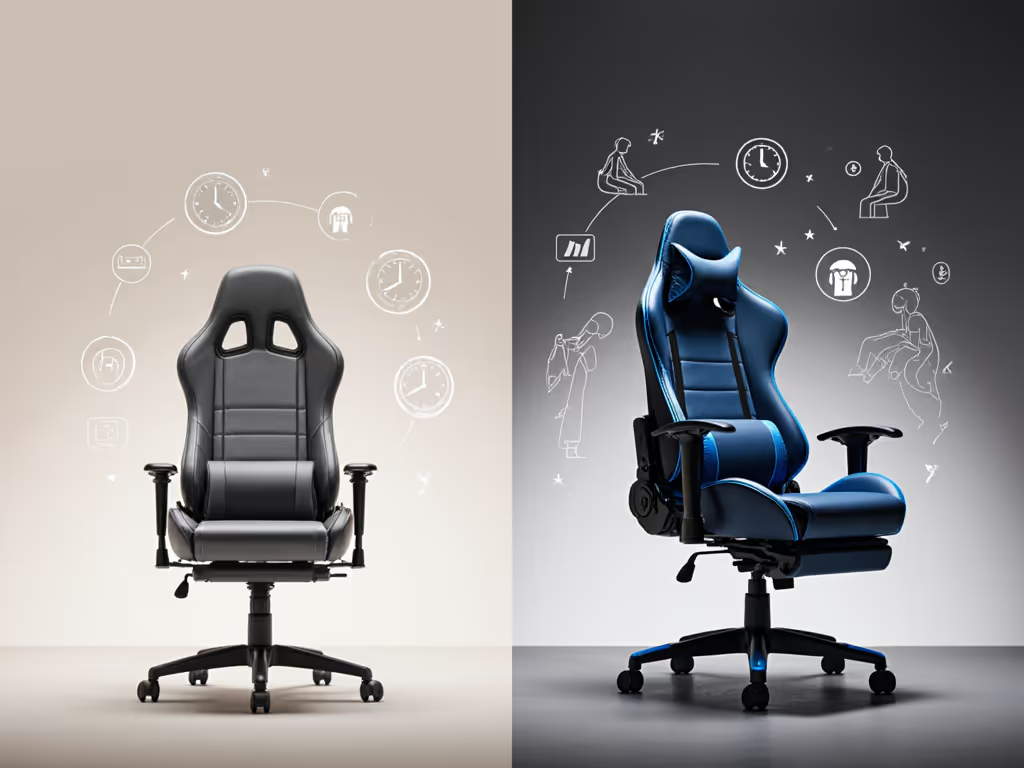
Your Body Dictates the Shortlist
Before browsing chairs, grab a tape measure:
- Inseam length (seat to knee): Dictates optimal seat depth (18-22" range prevents thigh compression).
- Torso height (hips to shoulder): Determines backrest height needed for full spine contact.
- Shoulder breadth: Ensures armrests won't force elbows inward during typing.
- Thigh length: Reveals whether waterfall seat edges will cut circulation.
Translate measurements to specs:
| Body Measurement | Critical Chair Spec | Ideal Range |
|---|---|---|
| Inseam ≤ 28" | Seat Depth | ≤ 18" |
| Torso ≥ 24" | Backrest Height | ≥ 32" |
| Shoulders ≥ 20" | Armrest Width Range | ≥ 4" adj. |
Non-Negotiable Features for Dual Use
Materials That Endure
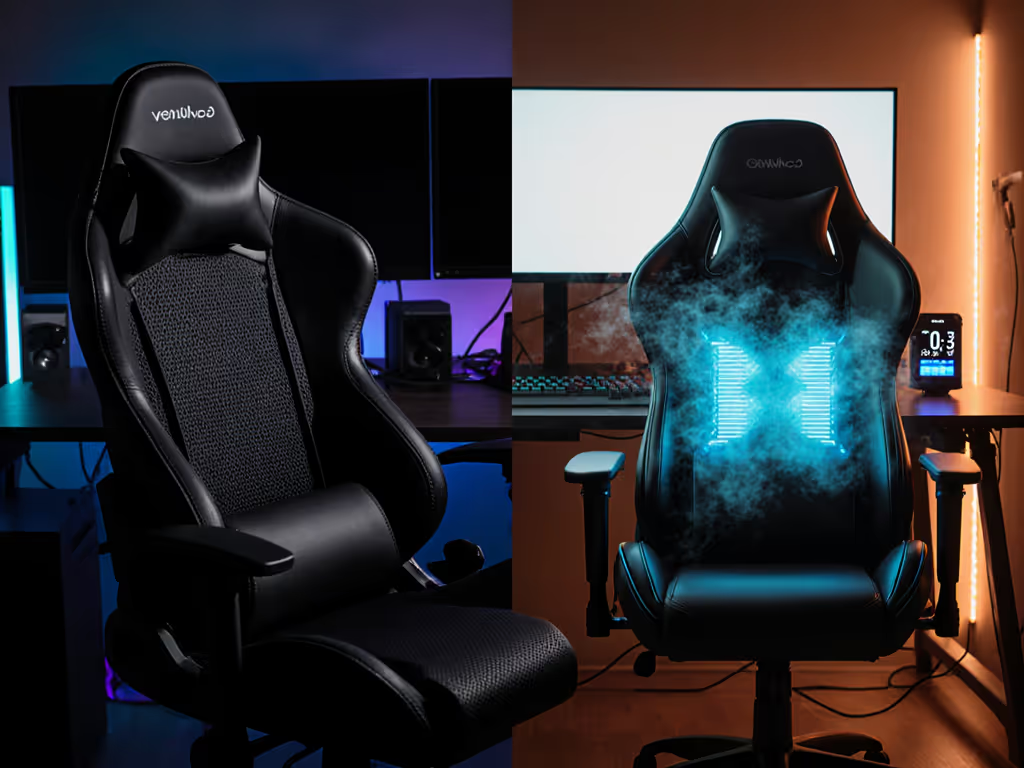
- Mesh hybrid backs (like Cooler Master Hybrid 1) offer airflow without sacrificing lumbar support If heat is a concern, compare our mesh vs faux leather to pick materials that beat sweat and last longer.
- Perforated PU leather resists sweat absorption during tense matches
- High-density foam (≥ 1.8 density) maintains shape after 8+ hours
Movement Matters
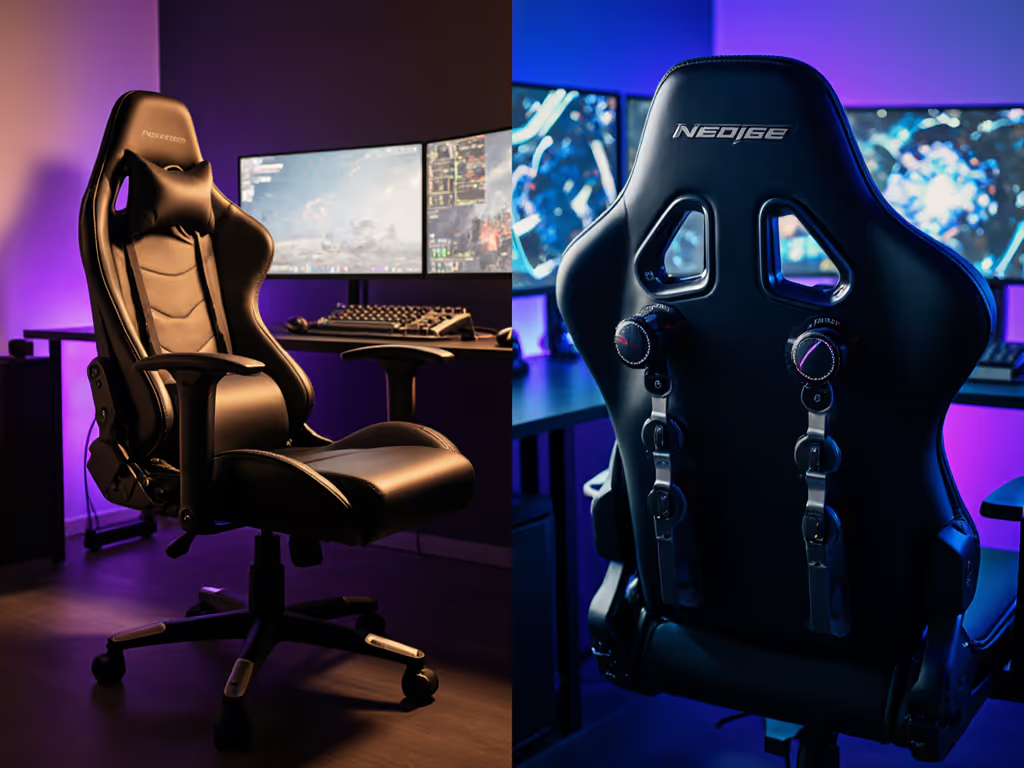
- 4D armrests adjust height/width/depth/pivot for controller vs. keyboard use
- 135°+ recline with tension control (like Asus ROG Destrier's 4-position lock)
- Seat slider to fine-tune depth relative to thigh length
Inclusive Engineering
Prioritize brands offering:
- Multiple size profiles (e.g., Secretlab's S/XL variants)
- Extended weight ratings (≥ 350 lbs capacity) To verify those numbers, learn how BIFMA and safety certifications validate weight ratings and durability.
- Cylinder height ranges covering 15-22" desk clearances
Top Performers Tailored to Your Profile
Best for Petite Users (Under 5'5", ≤150 lbs)
Herman Miller x Logitech G Vantum
- Shorter seat depth (17.7") prevents knee pressure
- Adaptive PostureFit lumbar auto-adjusts during posture shifts
- Slimmer backrest doesn't overwhelm smaller frames
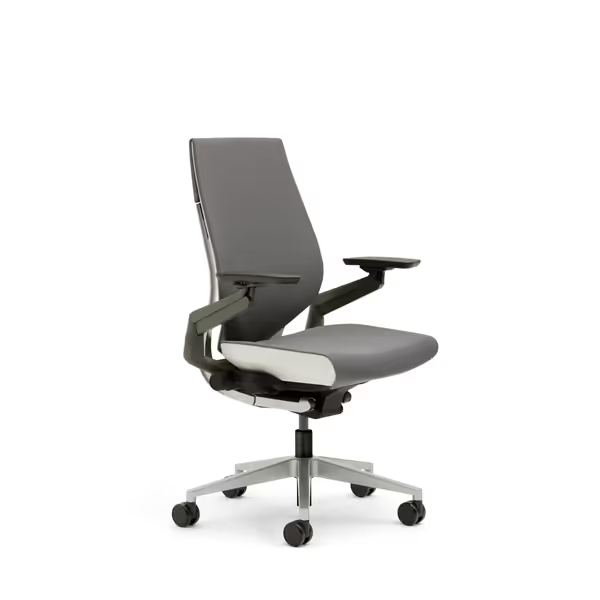
Steelcase Gesture Office Chair
Adapts precisely to your body and posture for pain-free long sessions.
$1510
Armrests360-Degree Adjustment
Armrests360-Degree Adjustment
Pros
Reduces back pain; improves lower back health.
Intuitive adjustments adapt to unique bodies and postures.
Cons
High price point for some users.
Customers find the office chair comfortable without causing soreness, with intuitive adjustments that adapt to sitting and moving positions. The chair is solidly built, well-designed, and provides good back support, with one customer noting their lower back has improved.
Customers find the office chair comfortable without causing soreness, with intuitive adjustments that adapt to sitting and moving positions. The chair is solidly built, well-designed, and provides good back support, with one customer noting their lower back has improved.
Best for Broad Shoulders / Tall Users (6'2"+, 250+ lbs)
Secretlab Titan Evo XL
- 22" seat width accommodates athletic builds
- 4D armrests adjust outward to prevent shoulder cramping Need more options? See our big and tall bodies guide for size-specific recommendations.
- Extended cylinder maintains ergonomics at 6'9"
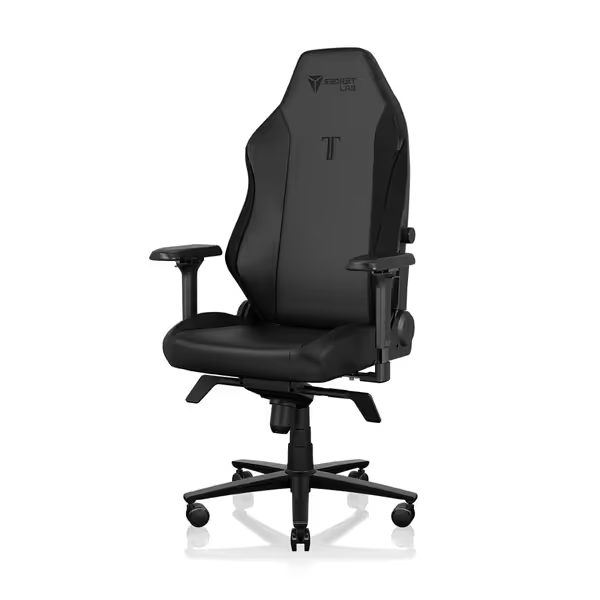
Secretlab Titan Evo Black Gaming Chair
Personalized ergonomic comfort for long gaming and work sessions.
$729
Weight CapacityUp to 395 lbs
Weight CapacityUp to 395 lbs
Pros
Precise ergonomic adjustments: 4D armrests, 4-way lumbar, 165° recline.
Engineered for durability: 12x stronger leatherette, 5-year warranty.
Cons
Firmness may not suit all preferences.
Well-built and comfortable for hours; easy assembly and great adjustability.
Well-built and comfortable for hours; easy assembly and great adjustability.
Best Breathability on Budget
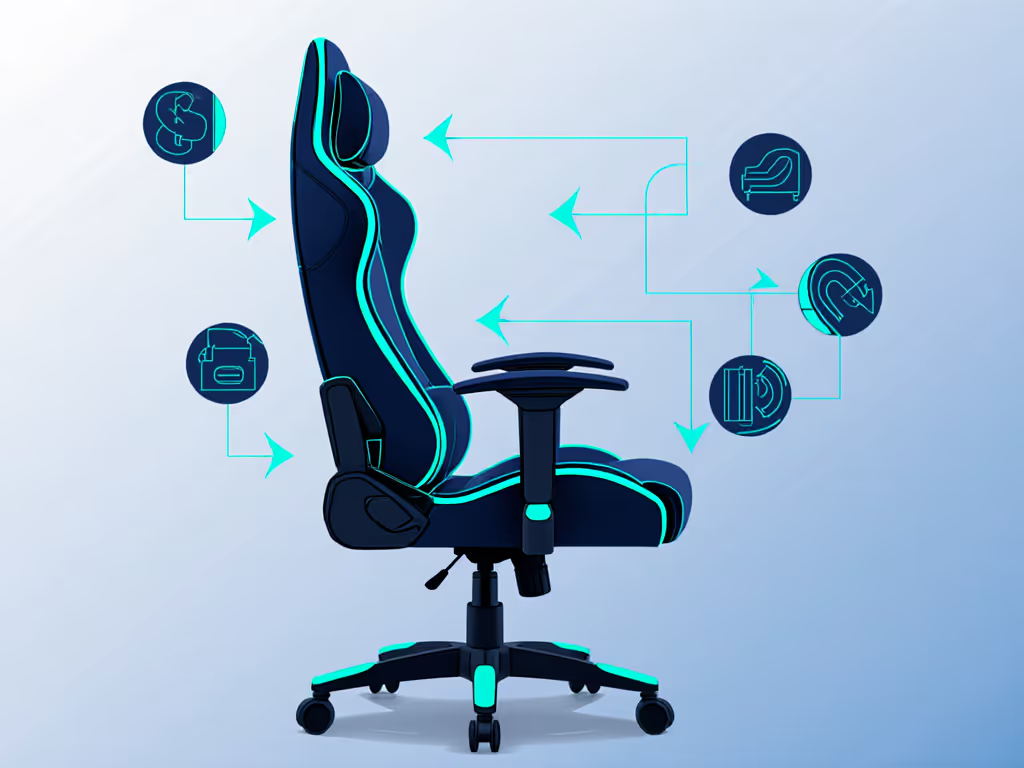
Cooler Master Hybrid 1
- Mesh back prevents swamp-back during summer sessions
- Lumbar support dial eliminates guesswork
- 180° flat recline ideal for racing/flight sims
Avoid These Costly Oversights
- Ignoring return policies: Opt for brands with ≥30-day trials (e.g., Secretlab's 49-day)
- Prioritizing aesthetics: Racing buckets may look cool but often lack seat depth adjustability
- Overlooking floor protection: Hardwood-friendly casters prevent scratches during swivels
- Neglecting tilt tension: Chairs like ThunderX3 Flex Pro allow micro-adjustments for RPG vs. FPS postures
"Ergonomic gaming chairs offer comfort and support while you play, but dimensions must align with your physiology."
Dialing in Your Final Choice
Revisit your measurements against these checkpoints:
- Seat depth should leave 2-3 fingers between knee and edge
- Lumbar support must contact your natural curve (L3-L5 vertebrae)
- Armrests should let shoulders relax at 90° during mouse use
- Headrest (if included) shouldn't push your neck forward Once your chair arrives, follow our optimal gaming posture setup to dial in chair, desk, and monitor alignment.
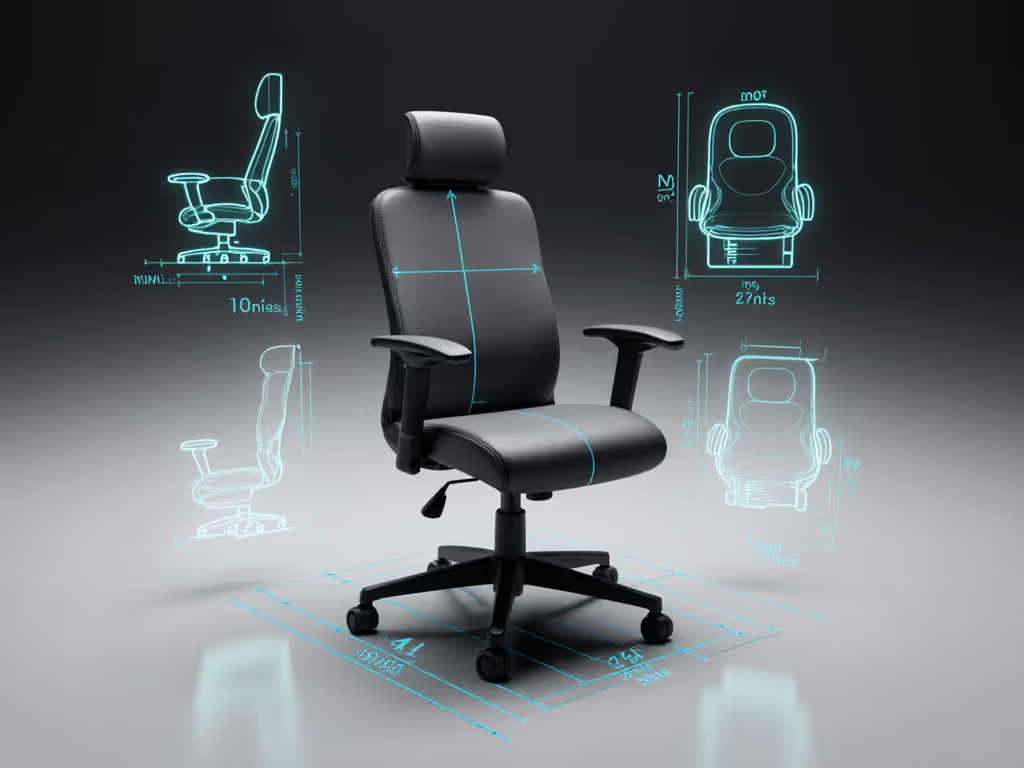
The perfect dual-purpose chair exists when you treat your body as the blueprint. Skip the marketing hype (let your inseam, shoulder span, and playstyle dictate the specs). Comfort is data, and numbers transform overwhelming aisles into a confident shortlist.
Related Articles