Gaming Chair Armrest Height: Genre-Specific Guide
By Linh Vo • 3rd Mar

When you sink into a gaming chair, the last thing you should feel is compromise. Yet armrest height is where most setups fail, not because chairs are poor, but because gaming chair ergonomics demand a fit that's personal to both your body and your playstyle. Unlike office workers who maintain a consistent posture for eight hours, gamers shift between forward-leaning aim, relaxed recline, and controller-centric angles within a single session. Your armrests have to earn their space by supporting your geometry and your genre, or they become obstacles to performance and comfort.
Great ergonomics must coexist with your room, desk, and devices. This means measuring first, testing second, and making no assumptions about what "standard" means for your specific rig. Let's map the problem and the solutions.
Why Does Armrest Height Matter for Gaming?
Armrests aren't optional comfort; they're load-bearing infrastructure. When your elbows rest properly, your shoulders relax, your neck tension drops, and your hands stay in a neutral plane. When they don't, you develop the pain patterns gamers know too well: stiff neck by hour two, numb legs from pressure points, and that deep shoulder burn that lingers for days.
The biomechanics are straightforward. Unsupported arms force your shoulder and neck muscles into constant micro-tension, restricting blood flow and accelerating fatigue. Over a three to four hour session (typical for competitive play or content creation), that compound stress becomes noticeable. Poor armrest alignment also cascades: if your elbows aren't supported, you tend to hunch forward, which rounds your shoulders and loads your lower back. One bad angle creates a chain reaction.
For gamers, armrests also dictate your reach envelope. Mouse and keyboard placement, monitor distance, and even your ability to rotate smoothly between tasks all hinge on how your arms sit. Get this wrong, and your mechanics suffer before your body even protests.
What's the Baseline Armrest Height, and How Do I Measure?
The foundation is universal: your elbows should bend at approximately 90 to 100 degrees, with your shoulders relaxed and your forearms parallel to the floor. This is your ergonomic baseline, and it's non-negotiable.
Here's how to measure it:
-
Sit all the way back in your chair with your feet flat on the floor and your knees at roughly 90 degrees. If your feet don't touch the floor comfortably, add a footrest (this anchors your entire posture).
-
Let your arms hang loosely at your sides. Your elbows will naturally fall to a certain height; that's your target zone.
-
Raise the armrests until they just touch the undersides of your elbows. You should feel no shoulder shrugging or tension. If your shoulders creep up toward your ears, lower them slightly. If your arms dangle, raise them.
-
Check the desk alignment. This is critical. Your desk surface should sit about 1 to 2 inches higher than your bent elbows when you're in that neutral position. If your desk is significantly higher or lower, your armrests can't save you (the whole system is out of sync). For a step-by-step walkthrough of full setup, use our chair and monitor adjustment guide.
For most people, this places armrests 7 to 10 inches (18 to 25 cm) above the seat cushion, but that's a starting estimate, not a rule. Taller users need higher positioning; shorter users need lower. The only measure that matters is your own elbow angle, not the number on a spec sheet.
How Do FPS Games Demand Different Armrest Positioning?
FPS shooters require a forward-leaning, aim-centric posture that differs from baseline office ergonomics. For a deeper breakdown of posture trade-offs by genre, see our FPS vs RPG chair comparison. Your elbows move inward and forward, your mouse arm extends, and your shoulders lean into the screen. This is aggressive, dynamic, and unsustainable if your armrests are fighting you.
For FPS gaming armrest height, dial in your neutral baseline first. Then test your aiming posture: lean forward slightly, grip your mouse, and track an imaginary target across the screen. Your elbow should track along the armrest pad without your arm lifting off or your shoulder rotating inward. If the armrest is too high, it'll force your arm up, destabilizing your aim. Too low, and your forearm drags or lifts away entirely.
Many FPS gamers benefit from armrests that are slightly lower than strict office neutral (around 85 to 95 degrees instead of 90 to 100) because it encourages a natural forward lean without the need to hunch. Your forearms can angle slightly downward toward the keyboard and mouse without feeling cramped.
Width matters equally in FPS. If your armrests are too wide apart, you'll abduct your elbows (hold them out from your body), which tires your shoulders and destabilizes your track. Slide them inward until there's about one to two finger-widths of clearance between the armrest and your torso. This keeps your arms tucked and your aim anchored.
What About MOBA and Strategy Games?
MOBA chair armrest settings prioritize a more stable, upright posture. Games like League of Legends, Dota 2, or StarCraft demand rapid camera pans, hotkey access, and sustained attention over extended periods. Your elbows should sit solidly, supporting most of the weight of your arm without forcing you to hold tension.
Here, hit your full neutral baseline: 90 to 100 degrees, with armrests even to your desk surface. Your arms should feel cradled, not perched. Because MOBA play is less twitch-reflex and more macro-decision driven, you can afford a slightly higher armrest position without sacrificing control. In fact, the extra support reduces cumulative shoulder fatigue across long rank grinding or tournament runs.
Seat depth becomes relevant here too. Your forearms should rest fully on the pads, not balanced on the edge. If your armrests are too shallow, your wrist and hand hover in the air, which defeats the purpose. Test by resting your full forearm, from elbow to wrist, on the pad and ensuring even, stable contact. Many 4D-adjustable chairs let you slide the pads forward or back; use this to dial in your exact reach to keyboard and mouse.
Racing Sims and Flight Sims: Different Postures?
Racing sim chairs and flight sim setups operate in their own ergonomic universe. Serious racers should read our sim racing chair guide. Your arms are either gripping a physical steering wheel or joystick, or your hands are on a wheel-mounted button box and H-shifter. This is a fixed reach envelope, not a floating mouse-and-keyboard dance.
If you're using a wheel or stick, your ideal armrest height shifts backward (higher) compared to FPS positioning, because your arms are extended and your shoulders are broader. Measure with your hands on the peripherals: where does your elbow naturally rest? That's your target. Too low, and your arms fatigue. Too high, and your shoulders bunch.
The real constraint for sim gamers is desk footprint. Your rig eats horizontal space: wheel base, seat, monitor stand, and cable runs. Your chair's base and armrests must not encroach on the wheel mounting or cable paths. This is where constraints become tactical. I've seen a reader's door clip their chair base every morning during a 90-degree recline. We mapped the room, traced the recline envelope, and swapped 75 mm casters for 50 mm glides. A smaller five-star base cleared the swing by 3 cm, and their yoke mount finally fit without bruising shins or walls. Armrest positioning doesn't matter if the chair doesn't fit the room.
For racing, aim for a slightly reclined posture (110 to 120 degrees) to reduce back strain over long endurance events. Your armrests should rise with the recline, staying aligned with your relaxed arms. Look for chairs with responsive recline tension so you're not fighting gravity or slumping into a slouch.
How Do I Align Armrests with My Desk and Peripherals?
This is the friction point where theory meets reality. You can have perfect armrest height in isolation, but if your desk is 2 inches too high, your whole setup collapses.
Measure the relationship:
-
Adjust your chair to your ideal seated height (feet flat, knees 90°, armrests at baseline neutral).
-
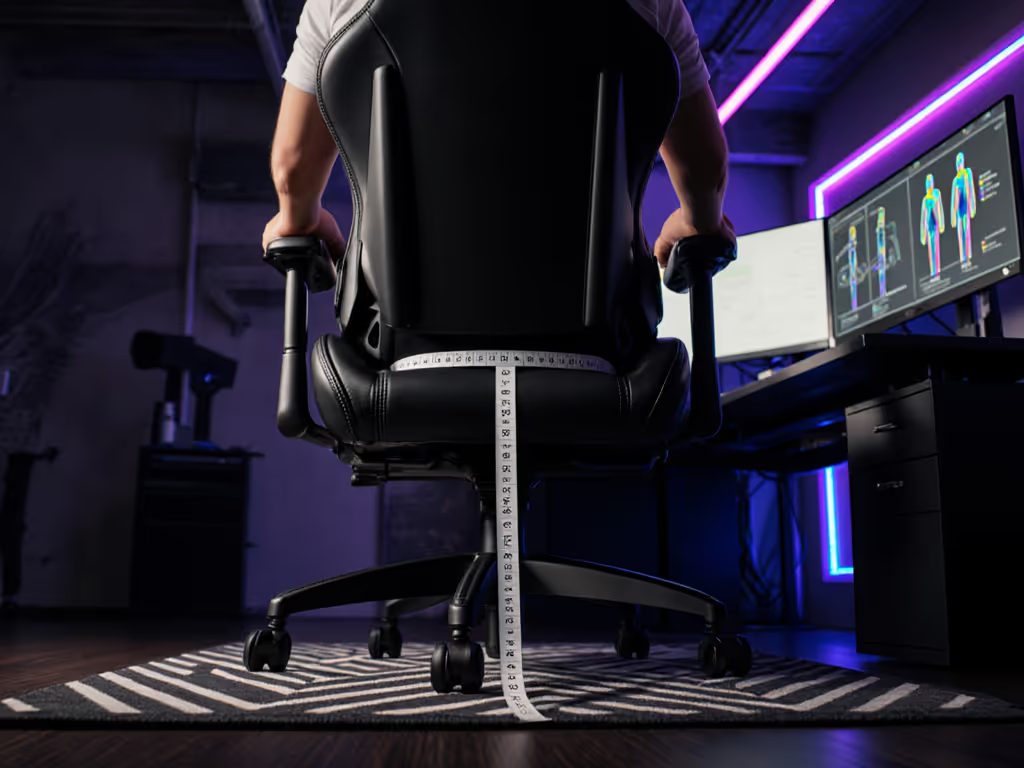
Measure the distance from your seat surface to your armrest top.
-
Measure the distance from your seat to your desk surface.
-
Your desk should be 1 to 2 inches higher than your armrests. This allows your forearms to angle slightly downward as you type or mouse, maintaining wrist neutrality.
If your desk is too high, raise your chair and use a footrest to maintain leg geometry. If your desk is too low, consider a keyboard tray or (if possible) adjust the desk itself. Ergonomic work setups are about synergy; chair, armrests, and desk must all work in concert.
For multi-monitor or streaming setups, account for arm reach. If you're reaching for a secondary keyboard or reaching across monitors, your armrests must be inset enough to let you move without the desk edge cutting into your forearms. Test your actual working range, don't guess.
What If Standard Armrest Heights Don't Fit My Body?
This is where gaming chair shopping becomes personal. If you're under 5'5", standard armrests, even on "small" chairs, may sit too high. If you're over 6'2", they'll sit too low. If you have broader shoulders, you'll need wider inset or fully removable armrests.
The fix is 4D (or better) armrest adjustability. Not sure what each axis actually does? Compare 4D vs 3D armrests to pick the right mechanism. Height (up/down), width (in/out), depth (forward/back), and pivot (rotation) give you the degrees of freedom to adapt to your anthropometrics. A chair without adjustable width, for example, is a gamble on fit; you might get lucky, or your shoulders might fight the whole session.
When comparing chairs, ask: What's the full range of height adjustment? Some chairs advertise adjustability but offer only a 2-inch range. Others go 4 to 6 inches. If you're petite or tall, that range is your deal-breaker. Similarly, inset width should be variable by at least 2 to 3 inches to accommodate different shoulder widths.
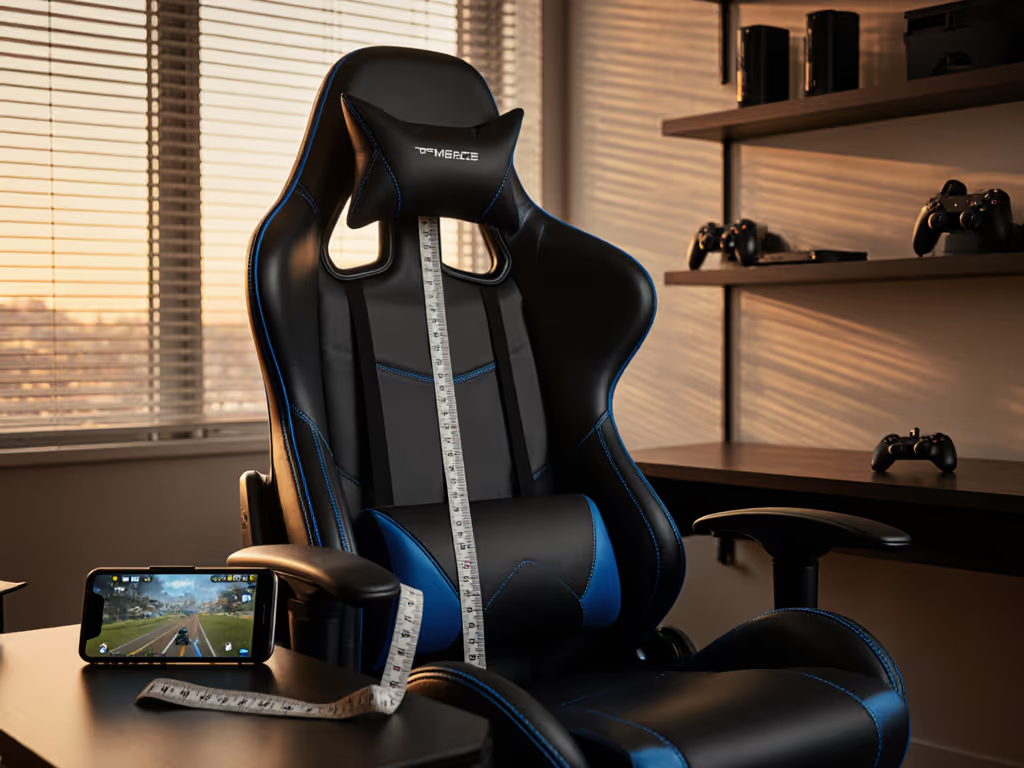
Measure twice, sit once. Request a spec sheet or geometry diagram from the manufacturer that shows armrest height at minimum and maximum settings, not just the baseline. Then cross-reference with your own measurements. A spreadsheet takes five minutes; a wrong chair purchase takes months to recover from.
Common Mistakes Gamers Make with Armrests
Setting them too high is the number-one error. Gamers chase the myth that high armrests = maximum forearm support, but high armrests force your shoulders into a shrug, creating neck tension and upper back pain. Your shoulders should feel down and back, not creeping toward your ears.
Ignoring width and depth comes second. A tall gamer might adjust height correctly but leave the armrests at full width. This forces them to abduct their elbows, which is tiring and unnatural. Take the thirty seconds to slide them inward or forward so they meet your body, not the other way around.
Assuming "adjustable" means "fit for me". Some chairs offer only height adjustment and market it as fully adjustable. If you need width or depth adjustment and the chair doesn't offer it, no amount of height tweaking will save you. Verify the type of adjustability, not just the claim.
Forgetting about desk sync. Your perfect armrest height becomes useless if your desk or keyboard tray is misaligned. Test the full system, not the chair in isolation.
Further Exploration
Your armrest setup is never truly "finished"; it evolves as you shift between games, swap peripherals, or adjust your desk layout. The principle remains constant: measure the room; then let the chair earn its space. If you're caught between two chairs or unsure whether a specific model's adjustability range matches your body, gather three measurements (your height, seat-to-armrest neutral, and desk height) and cross-reference them against the manufacturer's spec sheet. That data-driven approach beats any review.
Next, audit your desk and peripherals. If your monitor is too close, too far, too high, or too low, no armrest height will fully compensate. Treat your chair, desk, and setup as a system. Finally, give any new adjustment at least a full week of varied gaming before declaring it wrong; your muscles need time to adapt, and your perception of comfort shifts after a few sessions.
Related Articles