Gaming Mesh Chairs vs Active Cooling: Real Tests
By Linh Vo • 6th May
You've been sitting for three hours straight. Your back feels okay. Your neck is fine. But the back of your shirt is damp, your thighs are sticking to the seat, and you're reaching for a fan.
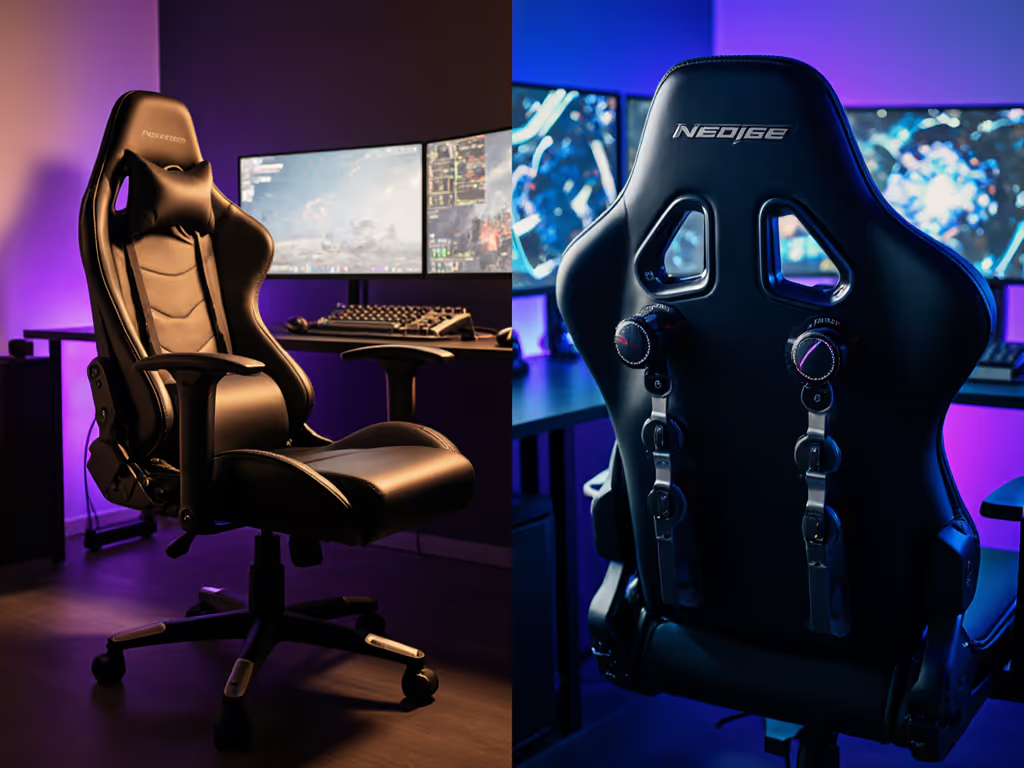
This is where gaming mesh chair debates explode. Should you buy passive mesh cooling (the breathable material that lets air flow naturally)? For a deeper breakdown of strengths and limits, see our active vs passive cooling comparison. Or jump to active cooling systems with built-in fans or thermoelectric pumps? The answer isn't about which technology is "better." It's about which system fits your body, your room, your session length, and the space it actually has to live in.
Most cooling comparisons ignore the hard constraints: room temperature, desk layout, base footprint, and how your specific build interacts with material choice. That's where decisions go wrong. Let me walk you through what the data actually shows and how to translate it into a fit decision for your setup.
What's the Real Difference Between Passive Mesh and Active Cooling?
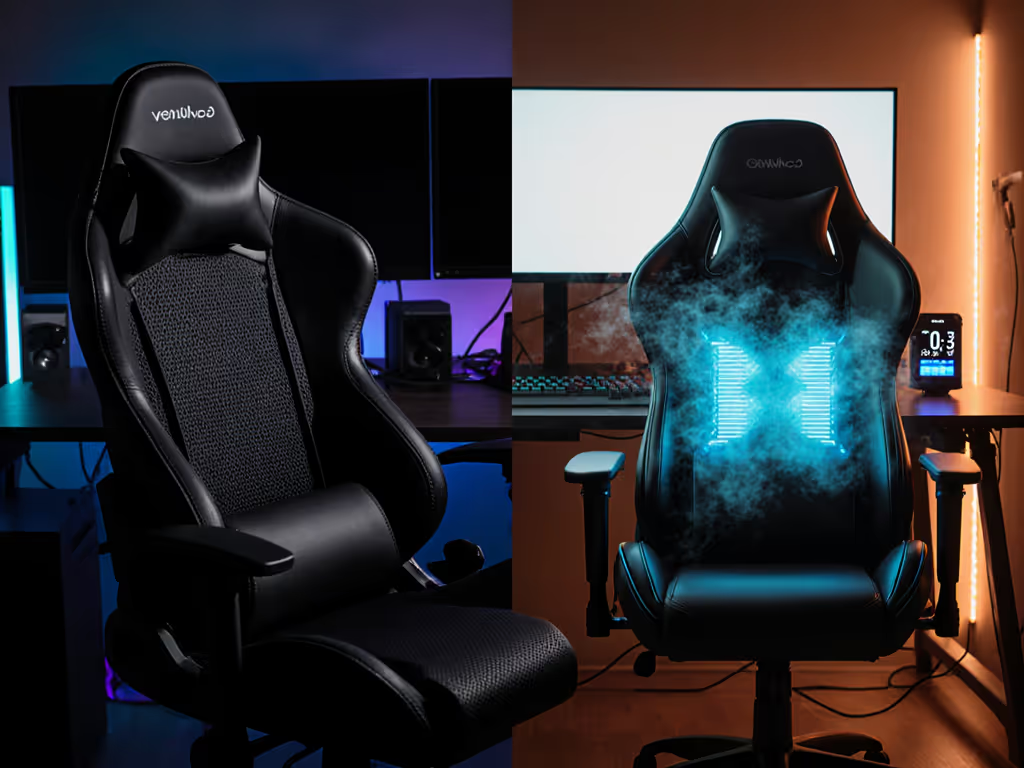
Passive cooling is straightforward: mesh material (typically elastomer or nylon weave) allows air to pass through freely. Your body heat and moisture dissipate naturally, convection does the work, and you stay cooler than you would in dense foam or leather. No electricity, no moving parts, no noise (just material design working in your favor).
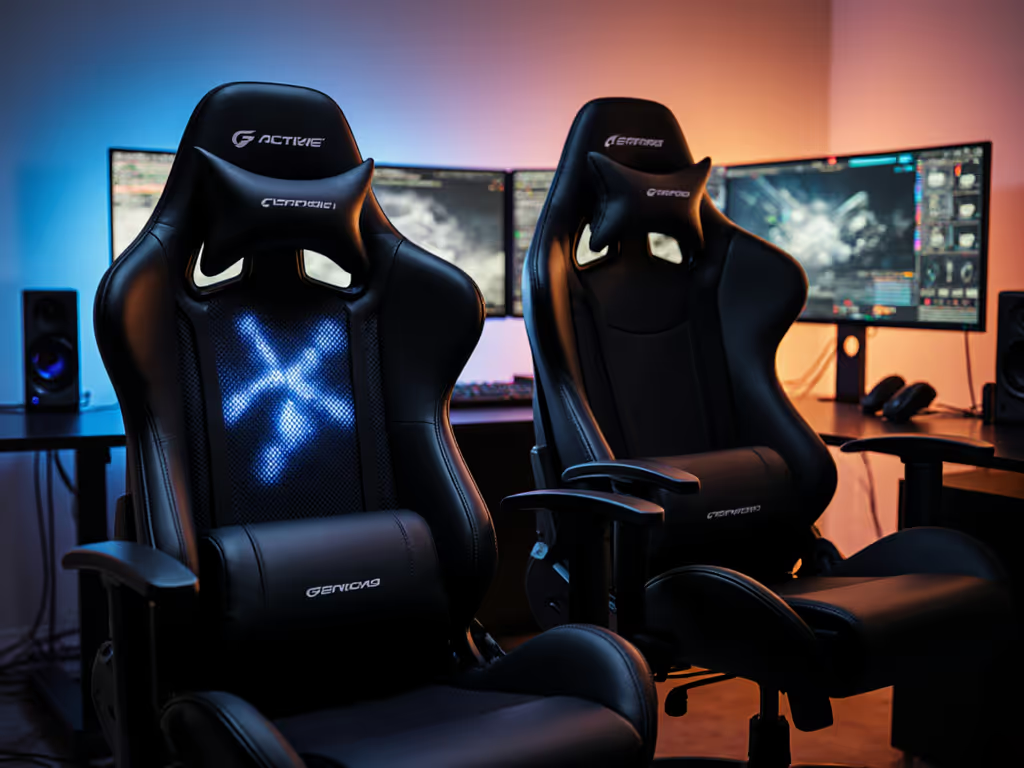
Active cooling introduces energy. Fans push or pull air. Pumps circulate fluid. Thermoelectric systems regulate temperature electronically. These systems can theoretically lower the perceived temperature below room conditions or add warmth when you need it. They bypass some of the body-measurement constraints that passive systems face.
Here's the critical overlap: fit trumps technology. A perfectly fitted passive mesh chair beats a poorly fitted active cooling chair every single time. Your body doesn't care about the pump if the seat depth is two inches too long or the lumbar is hitting your ribs instead of your lower back. Comfort duration comes from ergonomic precision and the right material for your climate.
A perfectly fitted passive mesh chair beats a poorly fitted active cooling chair every single time.
How Long Does Passive Mesh Actually Keep You Cool? (The 2-3 Hour Window)
This is where real testing gets specific. Studies and user data confirm that mesh chairs reduce perceived temperature in still air by allowing your body heat to dissipate. You feel cooler than you would in a leather or foam-dense chair.
But (and this is the hard limit) that advantage lasts approximately two to three hours. After that, passive cooling plateaus. A mesh chair cannot go lower than the ambient room temperature. Sitting in a 75°F climate-controlled space, your mesh chair will eventually stabilize at that same 75°F, no matter how long you've been there.
If your gaming sessions, work-from-home grind, or streaming block is three hours or less, passive mesh is sufficient for thermal comfort. The material is doing its job. But if you're logging six, eight, or ten hours in a warm climate or a poorly ventilated room, passive mesh alone won't prevent the slow heat accumulation that leads to sweat, discomfort, and focus loss.
This is where active cooling systems earn their place in the decision tree.
When Does Active Cooling Become Worth It?
Active cooling matters when:
- You're in a warm climate (above 75°F / 24°C consistently).
- Your daily sessions exceed six hours.
- Your room has poor airflow or is heated by hardware (multiple monitors, streaming rigs, GPU heat radiating from nearby).
- You tend to run hot physiologically (some bodies generate more metabolic heat; some sweat more easily).
Active systems bypass the room-temperature ceiling that passive mesh hits. Fans create forced convection. Thermoelectric systems can actively cool or warm, adapting to your environment instead of just accepting it. For tested numbers on temperature drop and noise, see our active cooling gaming chairs roundup.
But (and this is where Linh Vo's constraint-led thinking applies) active cooling systems come with trade-offs:
- Footprint and base design: Active cooling rigs often require larger seats or thicker structures to house the pump or fan. In small rooms or tight desk setups, a bulkier active cooling chair might not physically fit. Measure your space first; then let the chair earn its space.
- Caster and glide considerations: Larger bases need quieter, more specialized casters (75 mm vs 50 mm makes a real difference in tight quarters). For floor protection and smoother roll, check our guide to gaming chair casters for hardwood and carpet. Active cooling chairs are often heavier, so base design and caster quality become critical durability factors.
- Cable management: Active cooling means AC power. You need outlet proximity, cable routing, and the ability to hide or route wiring cleanly. This is a non-negotiable constraint in multi-device rigs or when you care about clean cable-safe layouts.
- Noise: Fans and pumps generate sound. If you're streaming or on voice comms, a vibrating cooling system picked up by your microphone is a productivity problem.
- Weight and material trade-off: Active systems still need good ergonomics. Adding a pump or fan doesn't override poor lumbar support or a seat depth that's wrong for your leg length. Fit remains critical, and active cooling doesn't fix it.
Room Temperature: The Overlooked Threshold
Data and field testing confirm that mesh's thermal advantage is most pronounced in environments above 24°C (75°F). In climate-controlled spaces kept cooler (many gaming and streaming setups maintain 70-72°F) the cooling benefit of mesh is less dramatic.
But here's the nuance: if your room is naturally warm or if you live in a hot climate, mesh becomes a baseline requirement. Add active cooling on top of that if your sessions are long.
State your assumptions about room temperature, playstyle duration, and body metrics. Then map the fit. A 5'4" user with a petite frame, gaming three hours a day in a cool room, doesn't need active cooling; they need a seat depth of 16-18 inches and a compact base that doesn't crowd their desk. Use our seat depth measurement guide to set your exact range. A 6'3" streamer with broad shoulders running ten hours daily in a 78°F room might benefit from active cooling (but only if the base footprint fits their setup and the lumbar and headrest align with their frame).
Does Active Cooling Override Poor Ergonomic Fit?
No. This is the core belief: ergonomics must coexist with your room, desk, and devices.
One reader's setup problem illustrates this perfectly. Their office chair base was hitting their door every morning because they didn't map the recline envelope before purchasing. Once we measured the room, traced the swing arc of the base, and moved them to a compact five-star base with 50 mm glides instead of 75 mm casters, they gained three centimeters of clearance. Their yoke mount fit, their elbows stopped bruising the wall, and suddenly the chair worked in their space.
That same logic applies to cooling. A fancy active cooling chair with poor lumbar positioning or a seat width that squeezes your thighs will leave you uncomfortable, no matter how cool the system keeps you. You'll also end up with a chair that doesn't fit your room's physical constraints (too wide, too deep, too large a footprint).
Check clearance arcs. Measure your room. Then evaluate cooling tech as a secondary layer on top of a properly fitted ergonomic foundation.
How Do You Choose: A Constraint-Led Decision Matrix
Step 1: Establish Your Session Profile and Room Conditions
- How many hours per day? (Track a typical week.)
- What's your room temperature? (Check morning, afternoon, evening.)
- How warm do you run physiologically? (Be honest.)
- What's your climate like? (Hot/humid, temperate, cool?)
Step 2: Map Your Physical Space
- Measure your room dimensions and desk position.
- Note door swing arcs, outlet proximity, monitor/device placement.
- Identify cable-safe routes and footprint constraints.
- Check if compact bases (60-70 cm diameter) or standard bases (70-75 cm) fit your space.
Step 3: Measure Your Body Against Chair Specs
- Height and leg length (this sets seat height and depth requirements).
- Shoulder width and torso length (this determines seat width, backrest width, and lumbar placement).
- Weight (affects foam density and base stability).
Step 4: Apply the Decision Logic
If you're in a cool climate, game three hours or less per session, and budget is tight: Passive mesh is sufficient. Prioritize fit (seat depth, lumbar alignment, and armrest adjustability) over cooling tech. A well-designed mesh back with 1-2 inches of air gap between the mesh and structural frame optimizes airflow.
If you're in a warm climate, stream or work six-plus hours daily, or run hot physiologically: Active cooling is a productivity investment. Fit remains critical, but active systems adapt to your environment and extend comfort into the back half of long sessions. But ensure the base footprint and cable routing don't compromise your room layout.
If you're uncertain about room temperature or session length: Start with passive mesh and quality ergonomic fit. Most gaming setups don't require active cooling. Passive mesh paired with proper lumbar, seat depth, and adjustable armrests solves the majority of thermal discomfort cases.
The Body Diversity Factor
Cooling tech is marketed as universal. It isn't. A petite user (5'2") sitting in a deep seat will generate heat differently than a tall user (6'4") in the same seat. Heavier users experience different pressure distributions, which affects thermoregulation. Broader-shouldered users need wider backrests for proper mesh-to-skin contact, which changes airflow dynamics.
Measure the room; then measure yourself. Let both inform the chair choice, not the tech spec sheet.
Moving Forward: Build Your Fit Matrix
The choice between passive mesh and active cooling isn't about which technology wins. It's about translating your body, your space, your session profile, and your climate into a clear yes-or-no decision.
Start here:
- Measure your room and trace clearance arcs for base recline.
- Record your body dimensions (height, leg length, shoulder width, weight).
- Estimate session length and room temperature for a typical week.
- Cross-reference with chair specs: seat depth, backrest width, base diameter, lumbar position, adjustability range.
- Test fit, if possible. Pressure maps and brief sit tests don't replicate three-hour gaming or streaming. Learn how reviewers quantify comfort with pressure mapping and thermal imaging so you can interpret test data confidently. If you can try a chair in person or via a lenient return policy, do it.
Cooling tech earns its place in your setup only when ergonomic fit is already solved. Measure the room; then let the chair (passive mesh or active cooling) earn its space in your rig.
What constraints does your current setup have? Start by mapping your room and body dimensions, then revisit cooling tech as a secondary layer. The clarity you gain will cut through the marketing noise and lead you to a chair that actually works for your body, your space, and your habits.
Related Articles