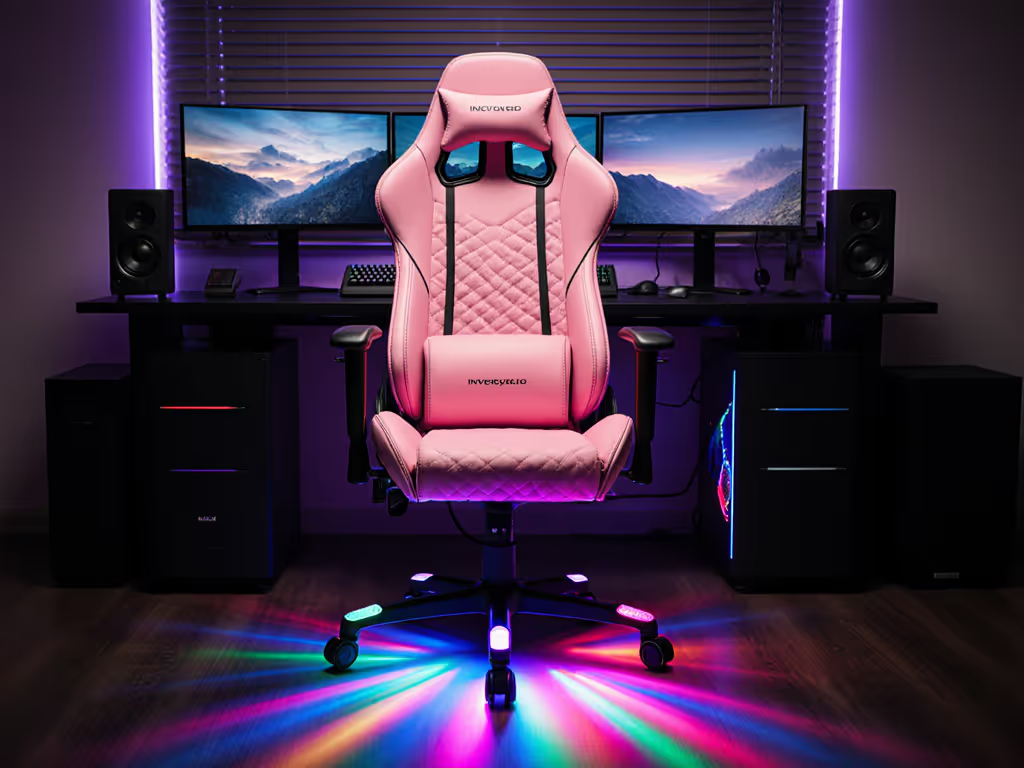
Gaming Mesh Chair Cooling: Active vs Passive
By Jamal Okoye • 19th Mar
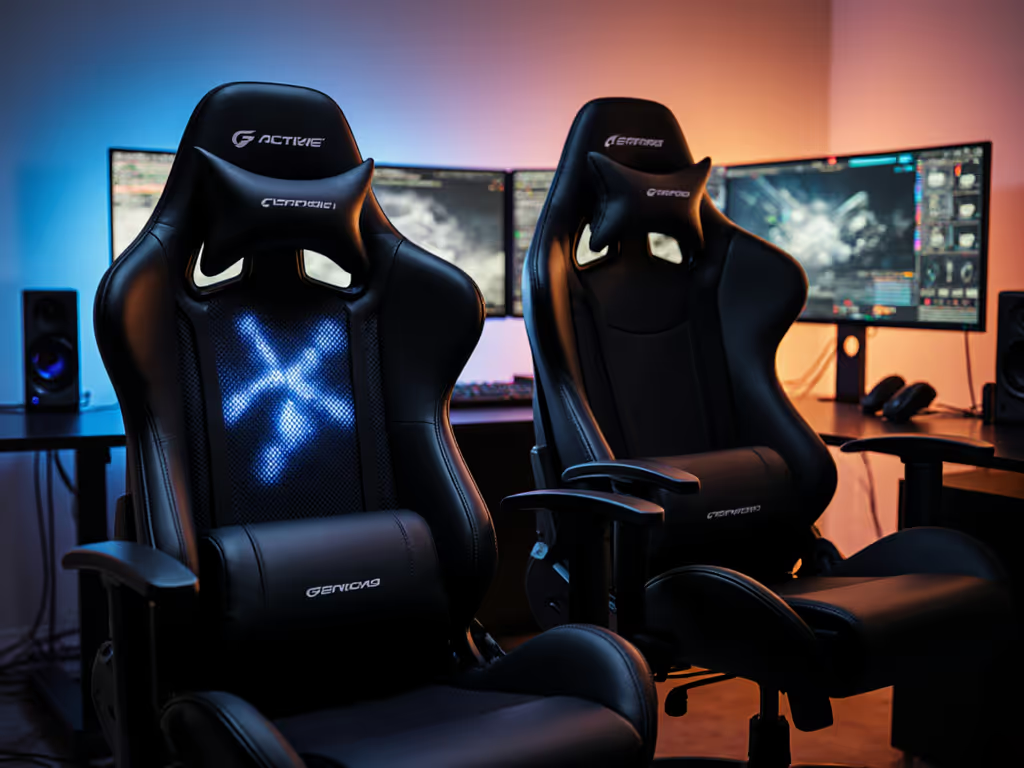
You've settled in for a ranked night or a 12-hour streaming marathon. By hour two, your thighs are slick, your lower back feels like a radiator, and focus starts slipping. If you've been chasing that perfect gaming mesh chair, you've probably noticed cooling tossed around like it's simple, but it's not. Passive mesh breathability and active temperature systems solve the same problem in completely different ways, and which one fits your body and playstyle isn't obvious until you measure the trade-offs.
I used to think a mesh backrest solved everything until I was numb below the knees after hour two. I swapped cushions like band-aids, added external fans, draped towels. None of it worked until I started treating comfort like data: inseam, thigh length, shoulder breadth, playstyle duration. Once I measured, I saw the real issue: seat depth and pressure distribution, not just fabric choice. Temperature control follows the same logic. Comfort is data, and your measurements should dictate whether you're shopping for passive breathability or active climate tech.
Understanding the Cooling Divide
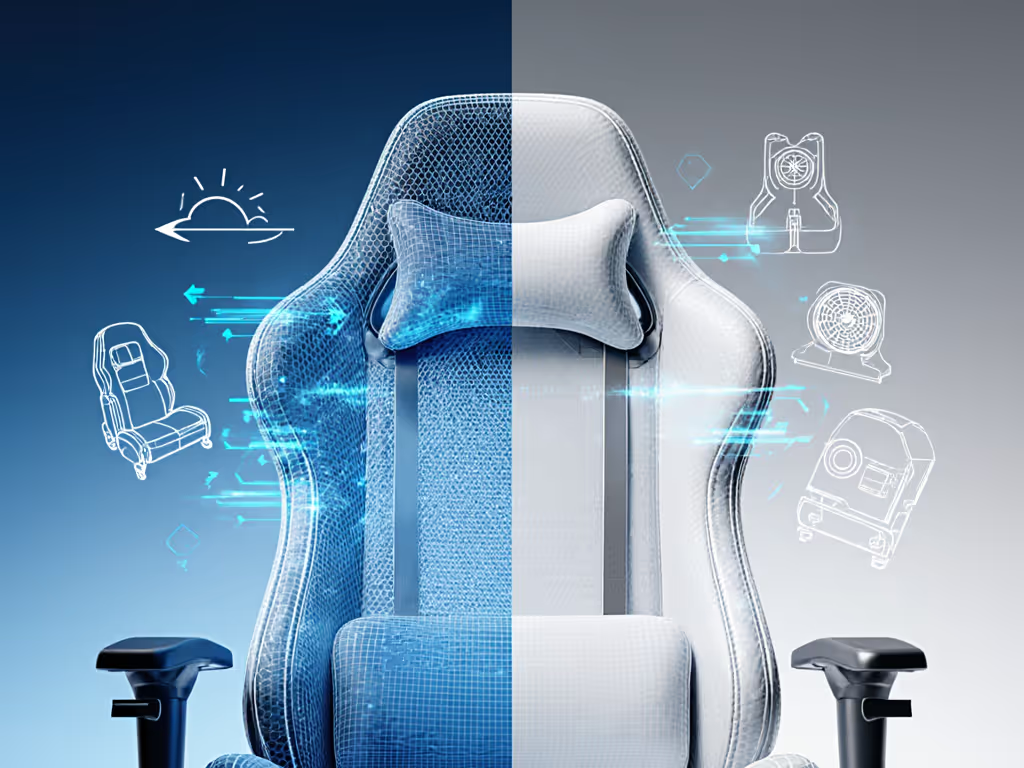
Before comparing, it helps to know what you're actually choosing between. Passive cooling relies on material design (breathable mesh, open weave, perforated foam) to let air flow naturally and wick moisture. Active cooling introduces energy (fans, pumps, or climate systems that push or pull air, or regulate temperature electronically). Neither is inherently better; the gap between them is comfort duration, consistency, and personal body metrics.
1. Passive Cooling: Breathable Mesh and Material Science
Passive cooling is the foundation of modern gaming chair design. A mesh backrest or full mesh suspension doesn't require power, batteries, or circuits, and it works the moment you sit down. Most affordable mesh chairs, including many budget options, prioritize breathable fabrics that keep air moving around your body.
Why it matters: Your measurements (especially hip width, thigh length, and back width) determine how well passive cooling works for you. If the seat is too snug, airflow is blocked regardless of material. If the mesh is loose or the backrest is high enough to align with your shoulder blades, air moves freely. A person with a 19-inch hip width in a 20-inch seat experiences full airflow; a 22-inch hip width in the same seat doesn't.
How passive systems perform: Mesh chairs reduce perceived temperature in still air by allowing your body heat and moisture to dissipate naturally. Studies and user testing show mesh keeps you cooler than dense foam or synthetic leather during the first two to three hours. For material-specific cooling and durability, see our mesh vs faux leather comparison. After that, passive cooling plateaus; it can't go lower than the room temperature, and in a 75 F space, a mesh chair will stabilize there regardless of how long you've been sitting.
Trade-offs to measure:
- No active energy cost; passive chairs are durable and low-maintenance
- Limited to room temperature; useless in hot climates or rooms above 78 F
- Relies entirely on correct fit; a chair with the wrong seat depth or width negates the cooling benefit by creating pressure points and blocking airflow
- Over time, mesh can sag or lose its weave tension, reducing effectiveness
2. Active Cooling: Engineered Climate Control
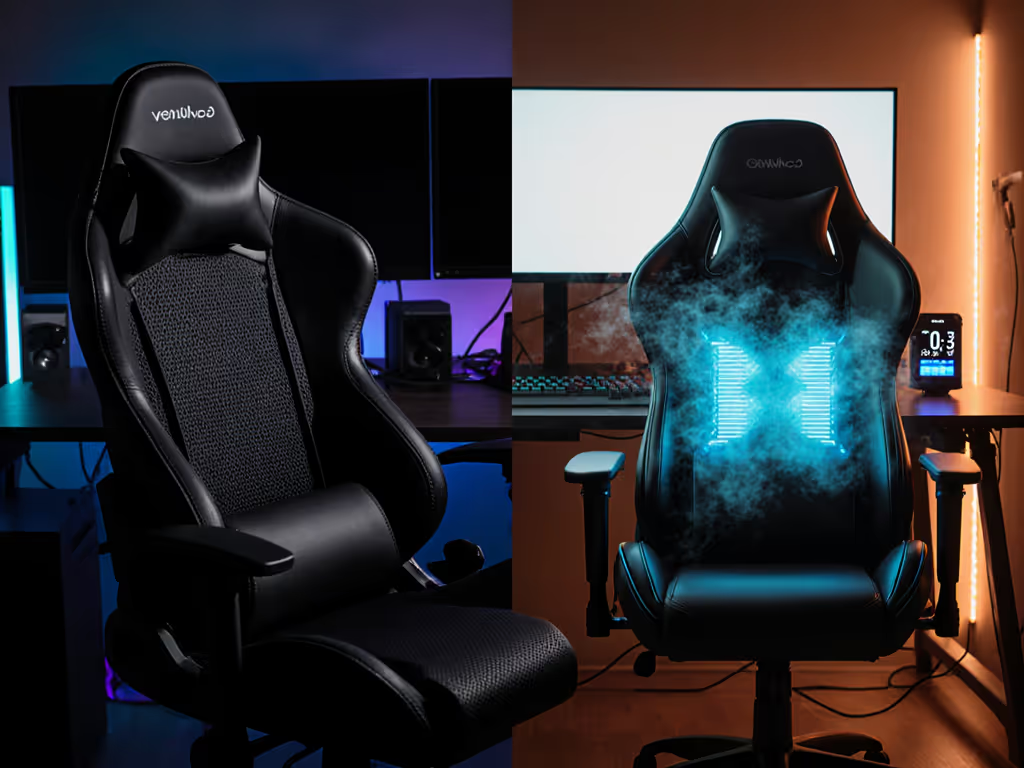
Active cooling introduces technology (usually fans, air pumps, or thermoelectric systems) to lower perceived temperature below room conditions or add warmth. A concrete example is the Razer Project Arielle, unveiled at CES 2025. This mesh gaming chair integrates a bladeless fan system that works in tandem with the seat and backrest to push air directly across your body. The chair can reduce perceived temperature by 2 C to 5 C in dry environments, meaning if your room is 75 F and you're running the cooling, you feel like it's 68 to 70 F where you're sitting. For tested models and real thermal data, read our active cooling chairs guide.
Why it matters: Active systems bypass body measurement constraints in one critical way: they create temperature sensation independent of fit. However, fit still matters for comfort, pressure distribution, and whether the airflow actually reaches the surfaces in contact with your body. A tall user with a 19-inch back depth in a chair with a 16-inch backrest won't feel the upper cooling airflow no matter how powerful the system is.
How active systems perform: Touch controls let you dial in fan speed and temperature targeting. The Arielle's three adjustable fan speeds and 2 C to 30 C range mean you can compensate for seasonal extremes or personal thermoregulation differences. A user who runs cold can add 20 C of warmth in winter; someone who overheats can drop perceived temperature by 5 C year-round. Consistency is the payoff: active cooling doesn't plateau at room temperature; it maintains your chosen level for as long as the chair is powered.
Trade-offs to measure:
- Requires power (USB or AC), adding complexity and a potential failure point
- Adds weight, electrical components, and cost compared to passive-only designs
- Effectiveness depends on room conditions; in extremely hot environments (>85 F), even active cooling has limits
- Fan noise at high speeds may be noticeable during quiet moments, though modern systems like the Arielle are designed to be unobtrusive
- Maintenance: filters, pump integrity, sensor calibration over time
3. Passive Cooling for Budget-Conscious Gamers and Small Spaces
If your priority is affordability, low maintenance, and simplicity, passive cooling dominates the landscape. A gaming mesh chair under $300 almost always relies on breathable materials alone. For gamers in cool climates (North America and Europe outside summer, ANZ during winter months) or those averaging three-hour sessions, passive meshes deliver measurable comfort without added cost or power consumption.
Passive systems also win for users with space constraints (no fans, no wires, no power cable competing for desk real estate). A mesh chair with open armrests and a compact footprint fits into a small apartment or dorm far more easily than an active system with venting channels and control panels.
However, start with your measurements. If you're petite (under 5'5") or tall (over 6'2"), verify seat depth, backrest height, and armrest range before assuming a passive mesh will cool effectively. A poorly fitted mesh chair can trap heat at pressure points, the opposite of the design intent.
4. Active Cooling for High-Performance and Long-Session Gamers
If you're streaming eight-hour shifts, grinding ranked matches in a warm room, or working as a hybrid gamer-remote professional who sits for 10+ hours, active cooling becomes a measurable productivity tool, not a luxury. The consistency matters. A passive mesh can't adapt to seasonal temperature swings or mitigate a room's inherent warmth. An active system maintains your comfort window regardless of external conditions.
Streamers and esports competitors also benefit from the ergonomic stability active cooling enables. When you're not fighting heat-related discomfort, fidgeting decreases, posture improves, and focus sharpens. For players in Australia, Southeast Asia, or other high-temperature regions, active cooling isn't optional, it's functional.
The trade-off is upfront cost and technical dependence. If the cooling system fails mid-session, you're reverting to passive mesh performance. Warranty coverage and manufacturer support become more important.
5. Fit and Measurement: The Real Determinant
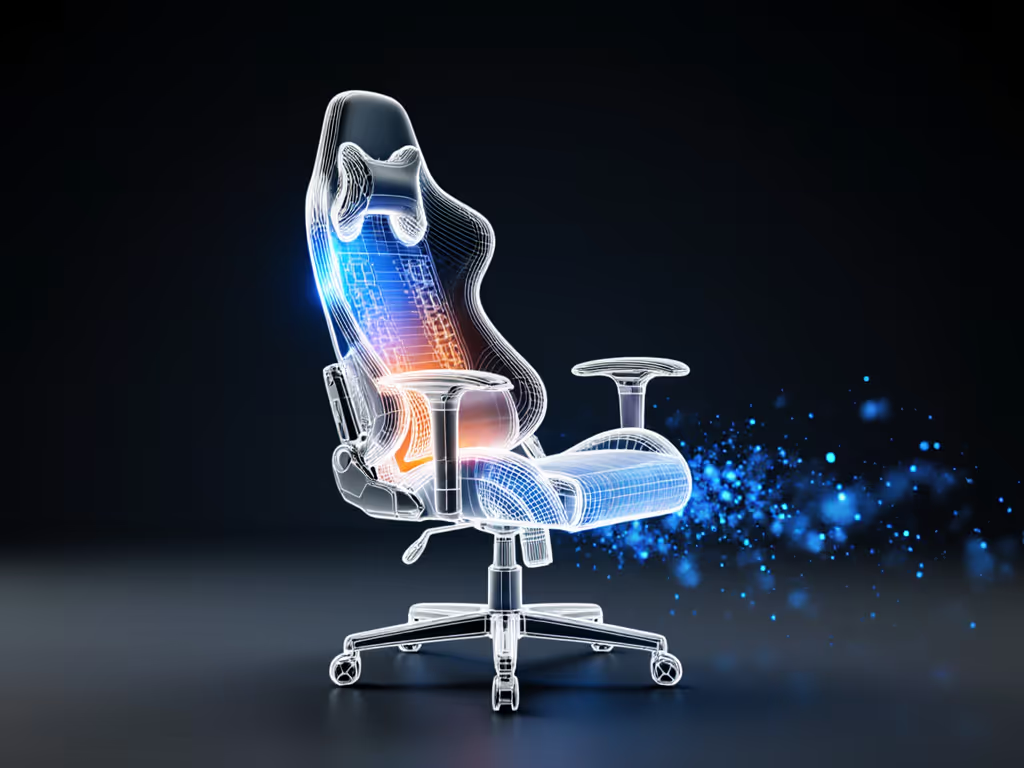
This is where passive and active cooling converge: fit trumps technology. A perfectly fitted passive mesh chair beats a poorly fitted active cooling chair every time. Here's why: cooling effectiveness depends on contact between your body and the temperature-regulating surface. If the seat is the wrong depth, your thigh pressure points don't align with mesh coverage. If the backrest is too tall or too short, airflow misses critical areas.
Start with your measurements; let specs narrow the field. Measure your inseam (floor to the inside of your hip when you're standing), thigh length (hip to knee), shoulder breadth, and hip width. Use these to cross-reference chair seat depth, seat width, backrest height, and armrest width. Once you've shortlisted three to four models that fit your dimensions, then evaluate cooling strategy.
For passive systems, verify mesh coverage area, backrest height relative to your shoulder blades, and seat depth relative to your thigh length. For active systems, check whether the cooling zones (seat, backrest, armrests) align with your contact points.
6. Seasonal and Climate Considerations
Your climate is a data point. If you're in a region where winter hits hard (Northern Europe, Canada, Northern US), passive cooling is sufficient most of the year. Active heating becomes the feature you'd want, a chair that can warm you during cold months. Conversely, if you're in a consistently warm climate (Australia, Southern US, tropical Asia), passive cooling alone may not cut it during peak season, making active systems worth the investment. If high humidity is part of the equation, see our tropical gaming chairs comparison for picks that resist moisture buildup.
Mid-climate users (Spring/Fall variability, temperate zones) can split the difference: invest in a high-quality passive mesh chair and consider adding a secondary external fan or cooling pad for those hot weeks. This approach combines affordability with flexibility.
7. Noise and Streaming Setup
If you're streaming, YouTube, or recording, microphone placement matters. Passive systems are silent. Zero concern. Active systems introduce potential noise. Fan-based cooling at high speeds can be audible, though modern designs like the Arielle are engineered to minimize whirring. If silence is non-negotiable, passive cooling is safer. If you've tested an active system and found it acceptably quiet, go ahead, but test before committing.
8. Long-Term Durability and Material Degradation
Passive mesh chairs typically outlast active systems in one dimension: mesh doesn't degrade mechanically the way fans or pump systems can. A mesh backrest from five years ago, if it was high-quality, will still breathe. Fans accumulate dust, pump seals degrade, and electronics eventually need replacement.
That said, good manufacturers (like Razer with the Arielle) design active systems for durability and provide replacement parts. If you choose active cooling, prioritize brands with multi-year warranties and published maintenance guides. Passive mesh is lower-risk over 5 to 10 years, but both can last if you invest in the right model and care for it.
9. Cost-to-Comfort Ratio Over Time
A $250 passive mesh chair that lasts five years costs $50/year in comfort value. An $800 active cooling chair that lasts 10 years costs $80/year, but delivers measurably higher comfort if you're using it 8+ hours daily. For casual gamers (5 to 10 hours per week), passive is the smarter value. For streamers, esports players, and remote workers doubling as gamers, active cooling's cost-per-hour of comfort is lower.
Budget-conscious students should lean passive. Mid-income professionals who game frequently should calculate their actual cost-per-use and weigh the productivity gains (better focus, fewer breaks due to heat discomfort) against the upfront expense.
10. Making Your Choice: Measurement-First Framework
Here's the process: measure yourself first. Know your inseam, thigh length, shoulder breadth, and hip width. Weigh yourself and note your typical gaming duration and climate. Then:
- If you're in a cool climate, game 3 hours or less per session, and budget is tight: Passive mesh is sufficient. Prioritize fit over cooling tech.
- If you're in a warm climate, stream/work 6+ hours daily, or run hot: Active cooling is a productivity investment. Fit remains critical, but active systems adapt to your environment.
- If you're undecided: Start passive, test it for a month, and measure your actual comfort at the two-hour and four-hour marks. If you're still comfortable, passive works for you. If heat creeps in, revisit active options.
- If you're petite or tall: Both passive and active systems need verified fit first. Cooling is secondary to alignment, a wrong-sized chair will be uncomfortable regardless of its cooling strategy.
Continue Your Research
The comparison between active and passive cooling in gaming mesh chairs isn't one-size-fits-all because gamers aren't one size. The next step is to test chairs that match your measurements and sit in them during a mock gaming session that mirrors your real playstyle. Measure temperature and comfort at the 1-hour, 2-hour, and 3-hour marks. To understand how pros evaluate heat and comfort, check our pressure mapping and thermal tests explainer. Note where pressure points develop and whether cooling (or lack thereof) correlates with your focus and fatigue.
If possible, find communities (Reddit's r/chairgaming, Discord servers, YouTube reviewers) where users with similar body dimensions and climates share long-term feedback. Real-world data from people with your measurements outweighs marketing claims every time. Once you've gathered this info, your shortlist will narrow dramatically, and your final choice will feel confident, not like a gamble.
Related Articles