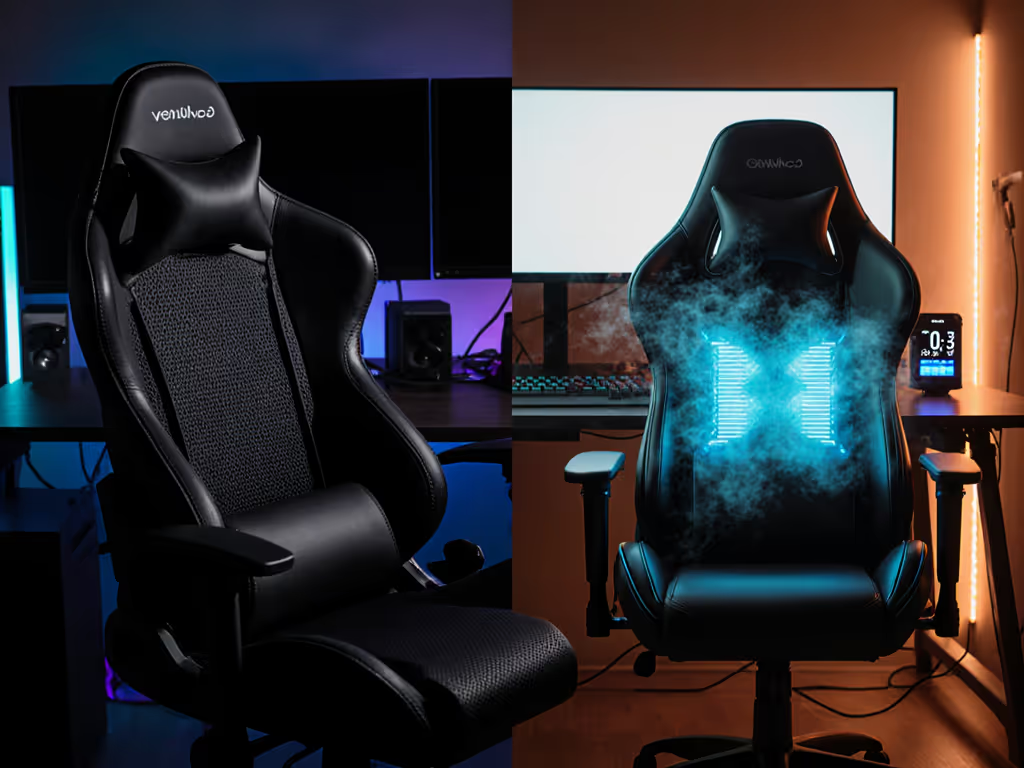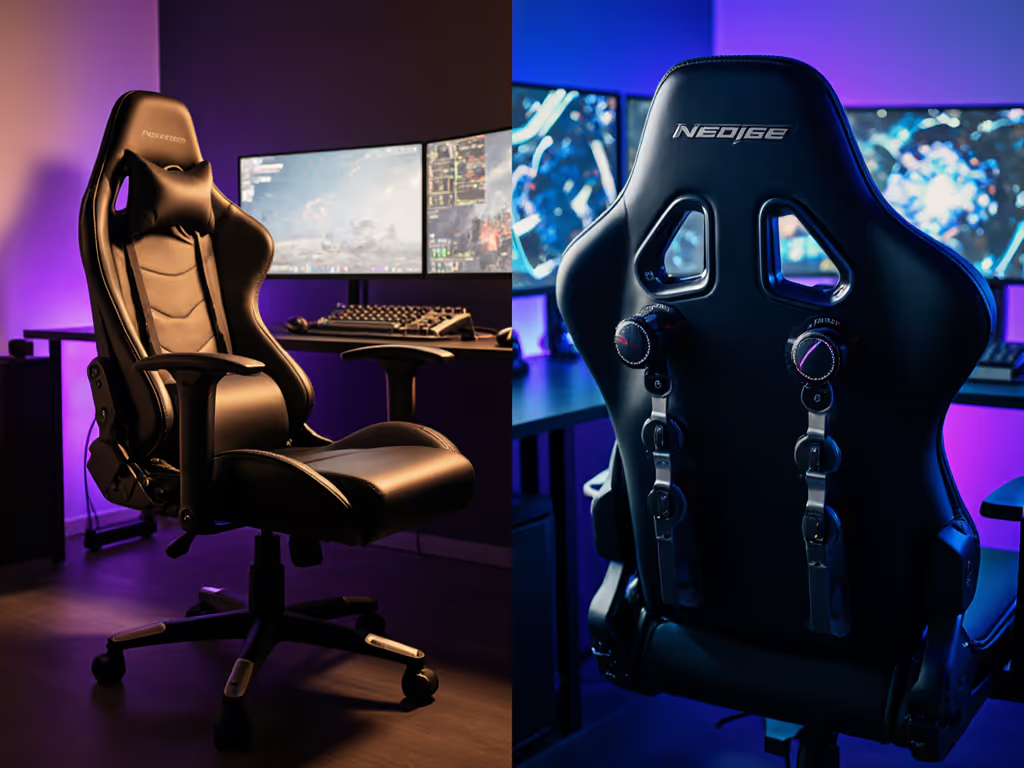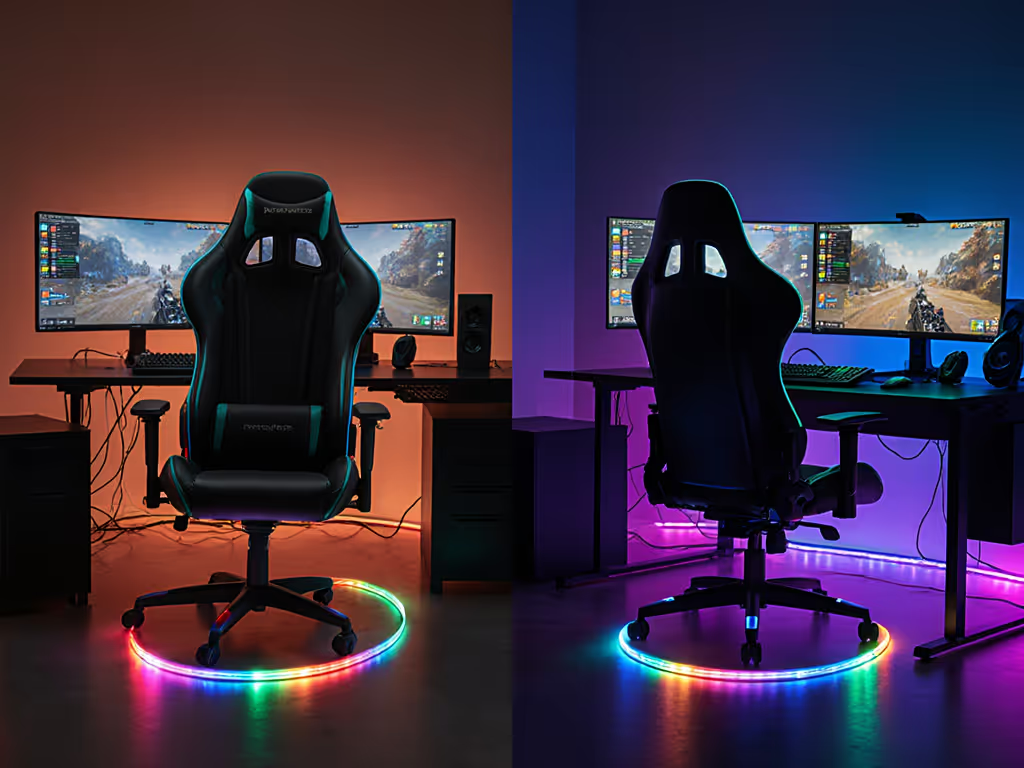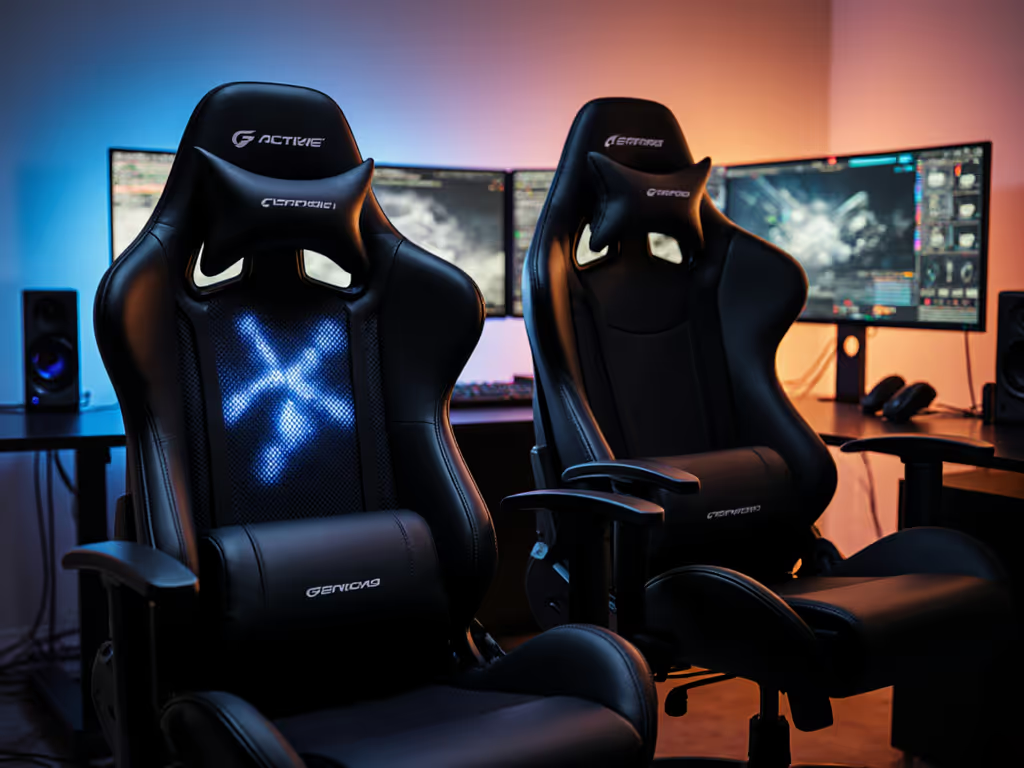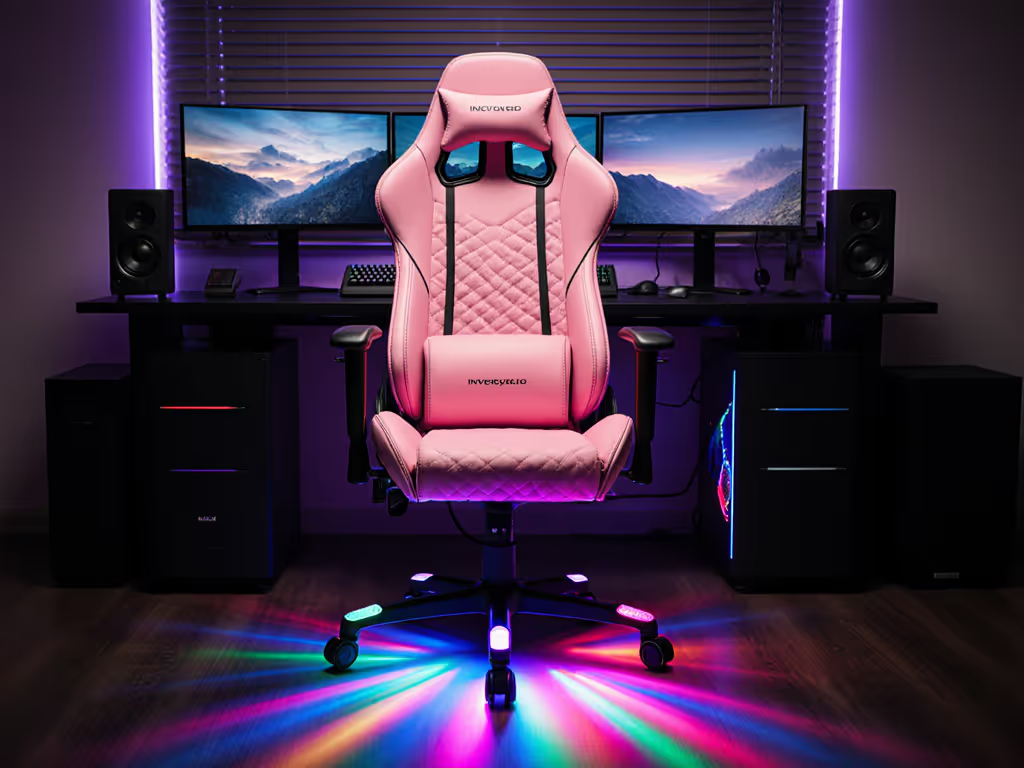
Esports Chairs Outperform Office Chairs for Tournament Play
By Linh Vo • 1st Jan
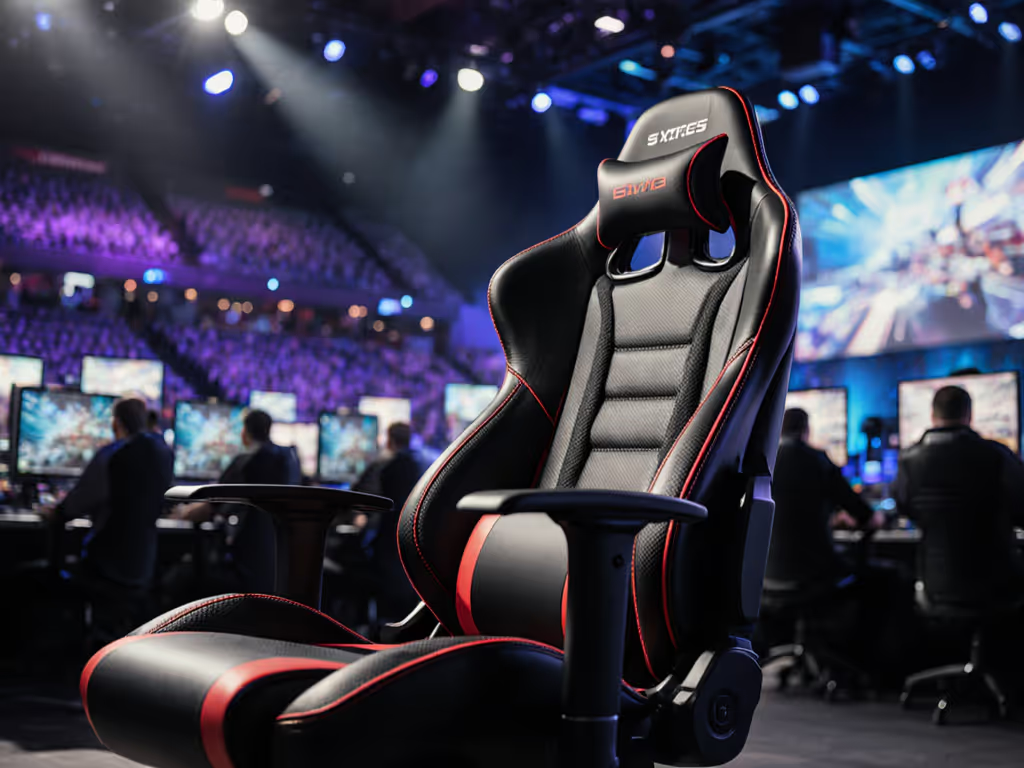
When choosing between an esports chair and standard office seating for competitive play, most gamers focus solely on cushion firmness or RGB lighting. But the real differentiator, the one that determines whether you'll perform at your peak during a 6-hour tournament, is how well your gaming chair interacts with your physical space. I've watched countless pro gamers lose focus mid-match because their supposedly "ergonomic" office chair couldn't handle the spatial demands of tournament play. In this guide, I'll walk you through a space-first approach that turns your seating from a distraction into a competitive advantage.
Space is a spec. Treat it like one.
Step 1: Understand Why Tournament Play Has Unique Space Demands
Office chairs prioritize static posture for predictable 9-to-5 work. But competitive gaming involves micro-movements that tax spatial constraints: leaning forward during intense firefights, quick reclines between matches, and rapid lateral shifts during controller play. These dynamics create a "recline envelope" (the invisible 3D space your chair occupies through its full range of motion). For the science behind how stability and micro-movements impact accuracy, see our stability physics guide.
Most office chairs fail tournament play because they're designed for efficiency, not agility. Their rigid backrests and limited tilt mechanisms restrict movement, forcing you to compensate with awkward twists. When your chair's envelope clips desk edges or walls, your focus shatters. I once watched a player lose a crucial match because their office chair base caught the edge of their streaming backdrop during a critical play, a problem that evaporated when we switched to a proper esports chair with a compact footprint.
Step 2: Map Your Tournament Space Constraints (Before Choosing Any Chair)
Don't select a chair then hope it fits your space. Measure the room; then let the chair earn its space. Tournament venues often have tighter constraints than home setups, so start with these measurements:
- Clearance behind your desk: Minimum 24" for full recline without hitting walls or cameras
- Lateral movement space: At least 6" on each side for leaning maneuvers
- Foot clearance: Account for racing wheels or dance pads that protrude under desks
- Overhead clearance: Critical for tall players with high-back chairs near monitors
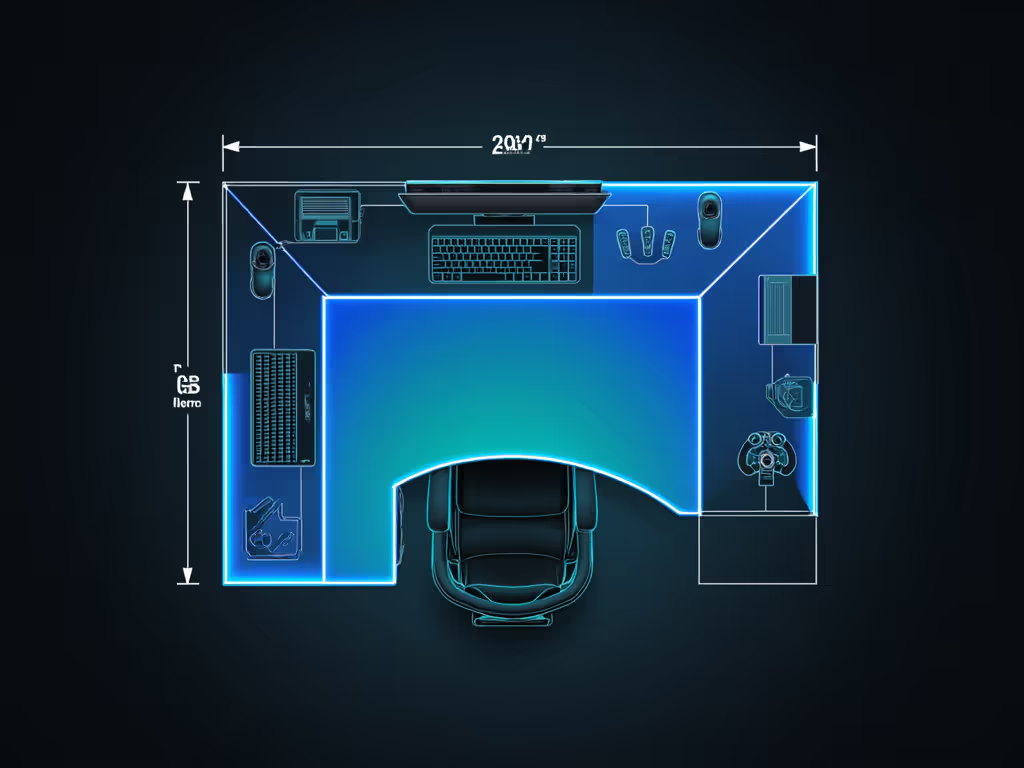
Convert these dimensions into clearance diagrams. Draw rectangles representing your body at three key positions: neutral (90-degree posture), forward-lean (75 degrees for FPS), and full recline (135+ degrees). Overlay these to visualize your complete movement envelope. The chair that fits all these zones without clipping obstacles is your tournament winner.
Step 3: Size Your Esports Chair for Dynamic Recline (Not Just Static Sitting)
Office chairs optimize for upright posture, fine for spreadsheets, disastrous for tournament play. When you lean forward to secure a headshot, most office chairs pivot at the hips, compressing your lumbar support. Esports chairs solve this with coordinated tilt mechanisms that maintain contact with your spine through movement ranges.
For tournament-ready seating, verify these specs:
- Seat depth: Must allow 2-4" gap behind knees when leaning forward (shorter users need 18" max)
- Recline range: Minimum 135 degrees for recovery between matches
- Tilt tension adjustment: Must lock at intermediate angles (100-120 degrees) for RPG/MMO sessions
- Base diameter: 27" max for tight tournament booths (vs. 29"+ standard office chairs)
The Secretlab Titan Evo handles this balance perfectly. Its multi-tilt mechanism maintains lumbar contact through all positions, while the 26.5" base diameter (smaller than most office chairs) creates critical clearance in cramped venues. The adjustable armrests accommodate both keyboard-and-mouse precision and controller sprawl without requiring you to readjust between game genres.
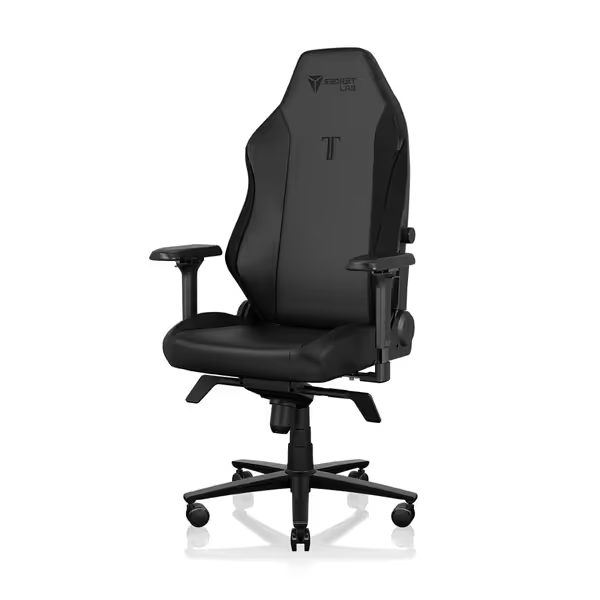
Secretlab Titan Evo Black Gaming Chair
Personalized ergonomic comfort for long gaming and work sessions.
$729
Weight CapacityUp to 395 lbs
Weight CapacityUp to 395 lbs
Pros
Precise ergonomic adjustments: 4D armrests, 4-way lumbar, 165° recline.
Engineered for durability: 12x stronger leatherette, 5-year warranty.
Cons
Firmness may not suit all preferences.
Well-built and comfortable for hours; easy assembly and great adjustability.
Well-built and comfortable for hours; easy assembly and great adjustability.
Step 4: Select Casters for Tournament Surfaces (Not Just Your Home Floor)
Most gamers overlook caster selection until they're disqualified for scuffing a venue's wooden floor. Tournament-ready seating demands casters optimized for multiple surfaces:
| Surface Type | Office Chair Typical Caster | Esports Chair Solution |
|---|---|---|
| Hardwood | Hard plastic (scratches) | 50mm silent glides (no marks) |
| Carpet | Low rolling resistance | 62mm dual-wheel (minimizes fatigue) |
| Mixed Venues | Single caster type | Interchangeable caster kits |
Interchangeable casters aren't just convenient, they're tournament essentials. Get detailed recommendations in our caster and floor guide. I've seen pros lose 30 seconds between matches struggling with sticky wheels on hybrid flooring. The Secretlab Titan Evo's quick-swap caster system lets you pre-load venue-specific wheels, maintaining consistent movement resistance regardless of surface. This consistency translates to muscle memory that doesn't waver when you're on stage.
Step 5: Verify Multi-Rig Compatibility (Controllers, Wheels, and More)
Office chairs assume keyboard-and-mouse as the only input method. But tournament play often requires rapid switching between peripherals:
- Racing sim rigs: Need 10-12" clearance between seat edge and wheel
- Fight sticks: Require lower armrest height (20" max from floor)
- VR setups: Demand 360-degree clearance without cable snags
Most office chairs fail this test with fixed armrest heights and protruding lumbar supports. The perfect gaming chair features:
- 4D armrests (height, width, depth, pivot)
- Low-profile lumbar that clears gear mounts
- Tuckable headrest for wheel-based setups
- Consistent center of gravity through all recline angles
This is where the GABRYLLY chair shows its limitations despite good mesh breathability. Its flip-up arms still protrude 4" beyond the seat edge when raised, creating dangerous snags with racing pedals. Tournament-ready seating must clear all peripherals at all angles, a requirement met only by premium esports chairs with fully retractable components.
Step 6: Create a Cable-Safe Layout (Critical for Streamers)
Microphone picks up every caster squeak and base shift. But few consider how chair movement affects cable management during extended sessions. Tournament play involves constant micro-adjustments that pull on USB cables and create dangerous tripping hazards.
To build a cable-safe esports setup:
- Route cables through chair base (not alongside it)
- Use 90-degree USB connectors to prevent strain
- Leave 6" slack at connection points for movement
- Secure cables to desk frame with reversible mounts
Most office chairs lack the necessary anchor points. The Titan Evo's integrated cable channels and tool-free mounting points create clean paths that won't snag during aggressive play. This matters more than you think. During a 2023 tournament, I watched a pro lose connectivity mid-match when their office chair shifted and pulled a loose USB cable from their capture device.
Step 7: Validate Your Tournament Chair Fit (Before You Compete)
Don't wait for match day to discover spatial issues. Perform this 5-minute validation:
- Recline fully while holding your primary controller
- Simulate 10 rapid leans forward (as in FPS play)
- Roll toward each desk edge to test caster clearance
- Verify headrest doesn't obstruct monitor view
- Check armrest height with your natural resting position
This catches 90% of space-related issues before they impact performance. For a step-by-step seating and display alignment, use our chair and monitor adjustment guide. One player avoided tournament disaster when this test revealed their "perfect gaming chair" actually clipped the edge of their racing wheel base during left turns, a problem we solved with a 50mm glide swap that created 3cm of critical clearance. Remember that reader whose door clipped their chair base every morning? The same principle applies on tournament stage.
The Spatial Advantage of Pro Gamer Seating Setup
Office chairs promise "ergonomic support" but ignore the reality of competitive play: your environment is part of your equipment. Tournament seating must navigate tight spaces while supporting dynamic movement, requirements that expose office chairs' fundamental design limitations.
True tournament-ready seating understands that space is a spec. It doesn't just fit your body; it fits your entire competitive ecosystem. When your chair's movement envelope aligns perfectly with your space constraints, you stop thinking about discomfort and start performing at your peak.
Next Steps: Optimize Your Tournament Setup
Don't settle for a chair that merely tolerates your space, demand one that enhances your competitive edge.
- Watch my deep-dive video analyzing the top 5 tournament chairs' spatial efficiency
Your seating shouldn't fight your environment, it should extend it. Measure twice, recline once, and let your chair earn its space on the tournament stage.
Related Articles