Gaming Chair Winter Maintenance: Cold-Weather Guide
By Mateo Li • 31st Mar
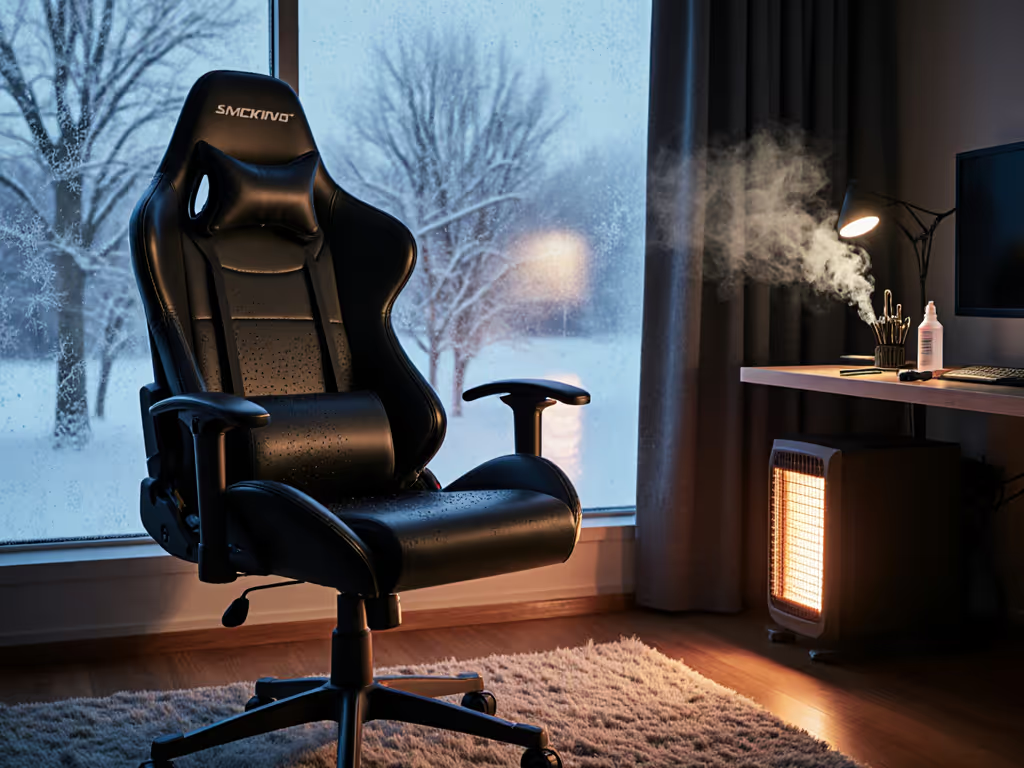
Gaming chair winter maintenance and seasonal chair care are non-negotiable if you want your setup to deliver stable, responsive performance through the long grind of colder months. Winter doesn't just chill the air, it stiffens foam, invites moisture into fabric, and loosens mechanical components at precisely the moment you're logging extended session hours. When a chair's structure is compromised, your posture drifts. When posture drifts, tracking falters, shoulder tension climbs, and your heart rate stays elevated long after the match ends. Stability is speed when posture and hardware lock in together.
How Winter Conditions Differ from Other Seasons
Temperature and Material Behavior
Cold air shrinks and hardens materials. PU leather contracts, fabric weaves tighten, and foam density increases, all of which can shift the feel of your seat height, backrest angle, and armrest geometry. For season-proof routines by upholstery type, follow our material care guide. If your chair felt perfectly dialed in at 70°F, a 55°F room may compress lumbar foam by millimeters (enough to alter your neutral spine position). Conversely, rapid heating (flipping on a space heater mid-scrim) creates thermal stress that can crack synthetic leather or loosen glued seams.
Humidity and Condensation
Winter air is often dry indoors due to heating systems, but uninsulated rooms or basement setups experience temperature swings that spawn condensation inside fabric weaves and around metal components like gas pistons. This moisture breeds mold, accelerates rust in screw heads and caster axles, and weakens foam core over time. Weekly cleaning becomes a necessity, and quarterly maintenance becomes critical.
Cleaning Approach: Winter vs. Summer
Cold-Season Fabric Care
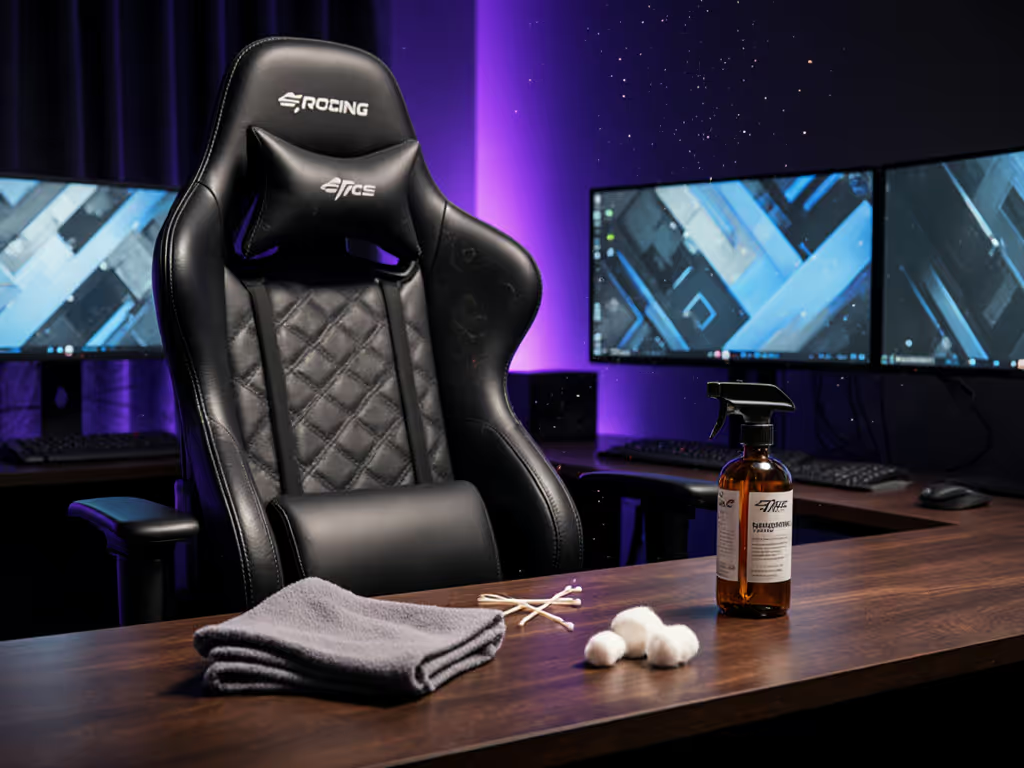
Fabric holds dust more easily and traps moisture longer in winter. Vacuum with a soft-brush nozzle every 2-3 weeks instead of monthly. When cleaning, use warm (not hot) water mixed with a drop of neutral soap on a damp microfiber cloth, but wring it out thoroughly (micro-perforated PU and fabric can hold water in their fibers during cold spells, leading to mildew). After wiping, air-dry away from direct heat sources (space heaters, radiators) and direct sun, which can cause uneven drying and fiber damage.
For older stains, apply baking soda to the damp area, wait five minutes, then wipe clean. Sprinkle baking soda quarterly to neutralize odor and moisture.
PU Leather in Cold
Synthetic leather (PU/PVC) becomes more brittle in cold temperatures. Instead of aggressive wiping, dust once weekly with a dry microfiber cloth to shed surface particles. When cleaning, dampen the cloth minimally (half a glass of warm water with a drop of neutral soap) and wipe gently without scrubbing. Dry immediately with a clean cloth to prevent water ingress. Avoid chemical cleaners, which can crack the surface or accelerate peeling in cold cycles.
Moving Parts: Winter Tightening Protocol
Screws and Bolts
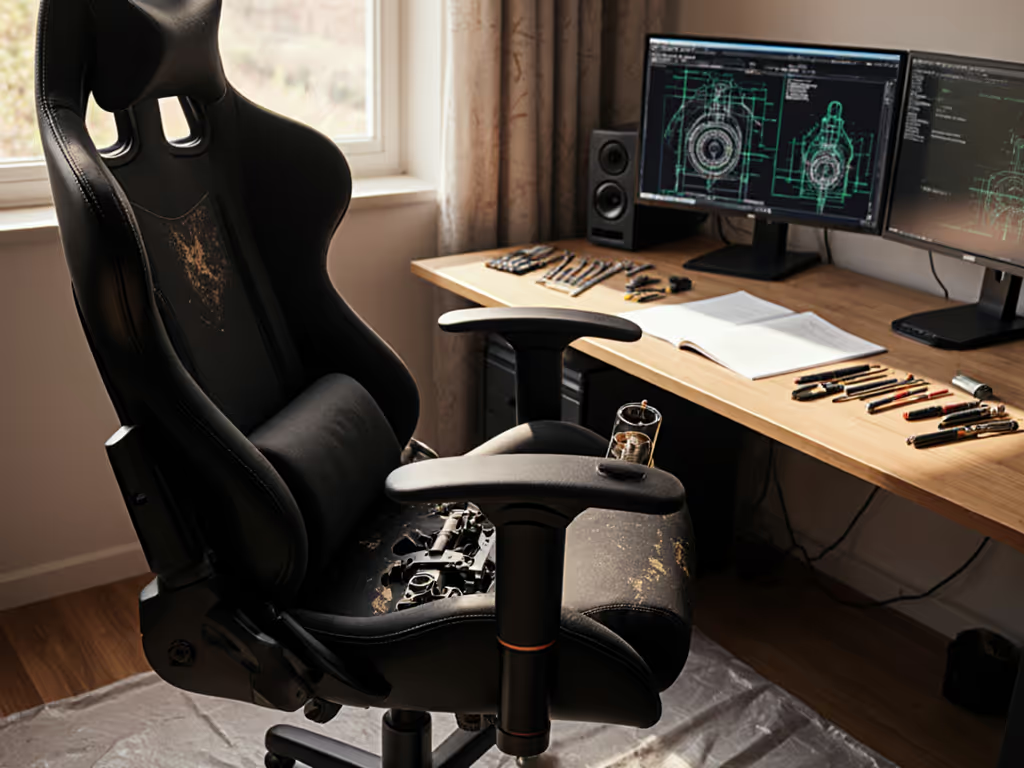
Daily use slowly loosens bolts in the base, backrest, and tilt mechanism. Winter's thermal contraction and expansion cycles accelerate this loosening. Check all screws twice yearly, but during winter (especially after your first temperature drop) give every bolt an extra inspection with the Allen key that came in the box. Tighten the tilt mechanism and cushion connections, armrest-to-cushion joints, and backrest-to-cushion bonds. Loose screws destabilize your chair and degrade the micro-movements that lock posture stability.
Wheels and Casters
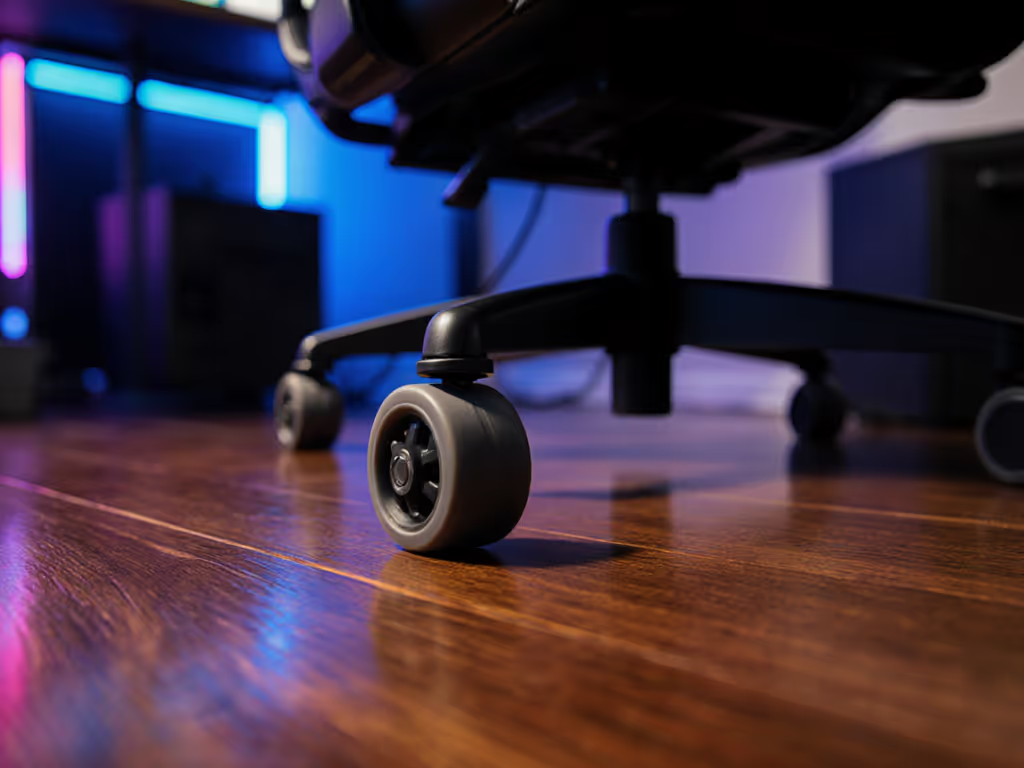
Dirt, salt residue tracked indoors, and hair accumulate faster on casters in winter when people spend more time inside. If you hear creaks when moving, dirt is almost always in the axle. Wipe each wheel with a damp cloth, spin it, and cut trapped hairs with tweezers or a craft knife. Clean casters every two months; if you have pets, clean monthly. For floor-safe upgrades and maintenance tips, see our caster wheel guide. Apply a tiny dab of light grease to the connection between casters and wheelbase every three months to reduce wear and noise.
Gas Piston and Height Adjuster
The gas spring is temperature-sensitive and holds the grease that allows smooth cylinder movement. Cold air thickens that grease, making height adjustments stiffer or less responsive. Use a soft cloth to regularly clean the gas piston and remove dust and debris. Avoid abrasive cleaners to prevent scratches that invite corrosion. If adjustments feel sluggish, apply lubricating oil to the piston rod and open the plastic cap on the side of the backrest, then apply lubricating grease to the angle adjuster mechanism. If the piston sinks when seated or won't hold your preferred height, replacement may be necessary. Use the step-by-step gaming chair repair guide to diagnose lifts, armrests, and base issues in winter.
Winter Ergonomics: Posture Adjustments for Cold Months
Armrest Geometry Check
When materials contract, clearances shift. Test your armrest height and width against your current desk and keyboard position. If your forearms were sitting neutral in autumn, cold may have lowered or raised effective armrest height by a centimeter (enough to introduce shoulder elevation or wrist flexion under load). Verify that your forearms sit parallel to the floor with wrists neutral when hands rest on keyboard or controller.
During a scrim review, a rifler's wrist started burning by map two. We raised chair height 2 cm and rotated armrests inward 10 degrees (a micro-adjustment that re-aligned his forearms and eliminated shoulder tension). His tracking smoothed out, and his post-match heart rate drifted lower despite longer rounds. Winter contraction can trigger the same misalignment silently.
Lumbar and Headrest Positioning
Cold-stiffened foam may compress differently under your weight than in warmer months. Check that your lumbar support still contacts your lower spine naturally (not forcing an arch or leaving a gap). Similarly, verify headrest alignment with your neck; if foam has compacted, the contact point may have drifted downward. Small shifts cascade: neck tension feeds shoulder tension, which feeds arm tremor and inconsistent aim stability. For precise lumbar placement and neck alignment, read our spinal alignment guide.
Moisture Control and Storage
Humidity Management
Keep your gaming space between 40-60% relative humidity if possible. Winter heating dries air below 30% in many climates, stressing foam and leather, while basements and unheated rooms can spike above 70%, inviting mold. A basic hygrometer ($15-30) reveals your actual humidity. If you spot condensation on metal parts or detect musty odor, air circulation is critical (crack a window or run a fan to circulate moisture away from your chair).
Protection from Heat Sources
Keep your chair at least 3 feet from radiators, space heaters, and direct sunlight reflecting off winter snow. Prolonged exposure accelerates fabric fading, dries leather to the point of cracking, and warps foam structure. If you move your setup seasonally, store the chair in a cool, dry area (not an uninsulated garage or attic where temperature swings can delaminate foam layers or separate glued seams).
Quick-Start Winter Maintenance Preset
| Task | Frequency | Why It Matters |
|---|---|---|
| Vacuum fabric/dust PU | Every 2-3 weeks | Cold traps moisture; dust accelerates deterioration |
| Damp-wipe with warm water + mild soap | Monthly | Condensation and static cling attract grime faster |
| Apply baking soda (fabric/PU) | Quarterly | Absorbs moisture and odor trapped by heating cycles |
| Tighten all screws and bolts | Twice during winter | Thermal cycling loosens connections faster than summer |
| Inspect and lubricate casters/gas piston | Every 3 months | Cold thickens grease; dirt accumulates from indoor traffic |
| Check armrest height and angle vs. desk | Monthly | Contraction may shift effective armrest position |
| Verify lumbar and headrest contact | Before/after cold snap | Foam compaction alters support points |
Actionable Next Step
Start this week: measure your current chair height and armrest geometry with a ruler or calipers, and record desk surface height and keyboard position. Photograph the neutral angle of your wrists and spine at rest. When your region's first major temperature drop hits, repeat those measurements and photos. Compare the two. Even a 5 mm shift in armrest clearance or lumbar contact is enough to degrade micro-positioning under sustained load. If you detect drift, tweak cylinder height, armrest rotation, or tilt tension accordingly, then log the adjustment. Over a winter season, you'll build a repeatable preset tied to seasonal conditions. That data becomes your insurance policy: stability is speed when you can dial back in within minutes, not hours of troubleshooting. Your focus, consistency, and endurance will reflect the investment you make in maintaining the hardware that supports your posture and performance.
Related Articles
Ownership & Care: Maintenance, History & Longevity
Shared Space Gaming Chair Hygiene Guide
Learn a performance-first cleaning protocol for shared gaming chairs to protect posture, stabilize contact points, reduce fatigue, and extend chair life.