Mobile Gaming Ergonomics: Your Chair Fit Guide
By Jamal Okoye • 3rd Feb
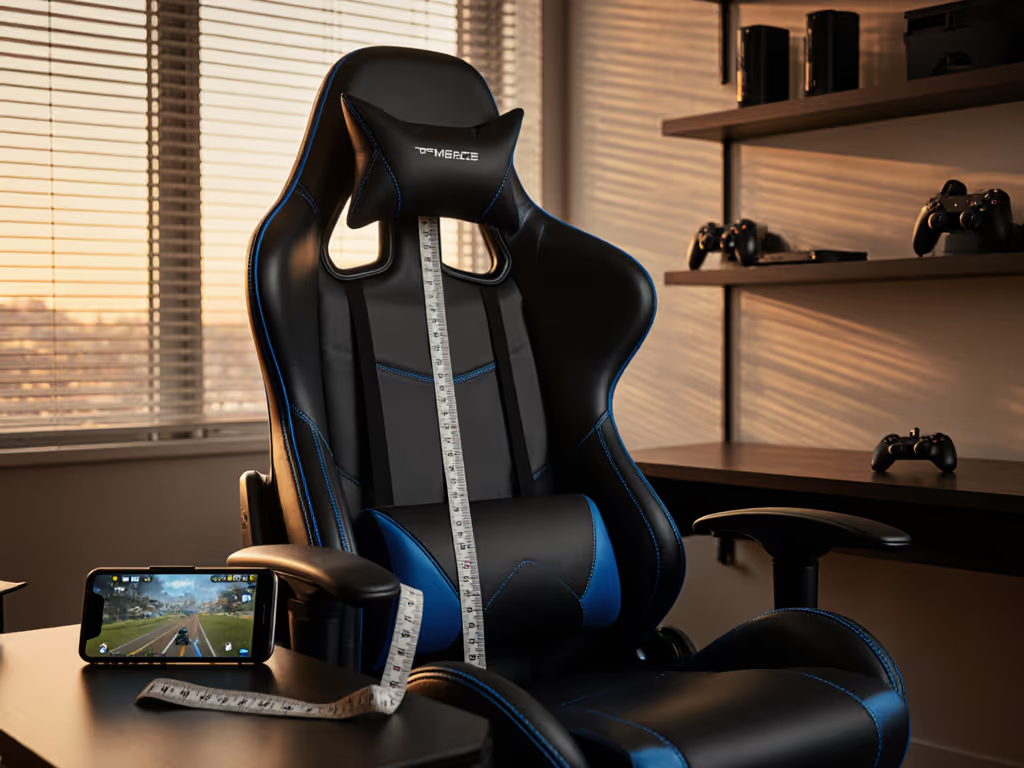
Start with your measurements; let specs narrow the field. When you're settling in for a marathon session of Genshin Impact or Clash Royale on your phone, your gaming chair needs to support more than just your weight, it must accommodate the unique twists of phone gaming ergonomics. I used to numb my legs in hour two until I measured inseam, thigh length, and shoulder breadth. Now I know comfort isn't about flashy designs, it's about numbers that match your body. In this guide, I'll show you how to translate your measurements into a chair that supports your posture whether you're holding a phone or propped up on a tablet.
Why Mobile Gaming Posture Matters More Than You Think
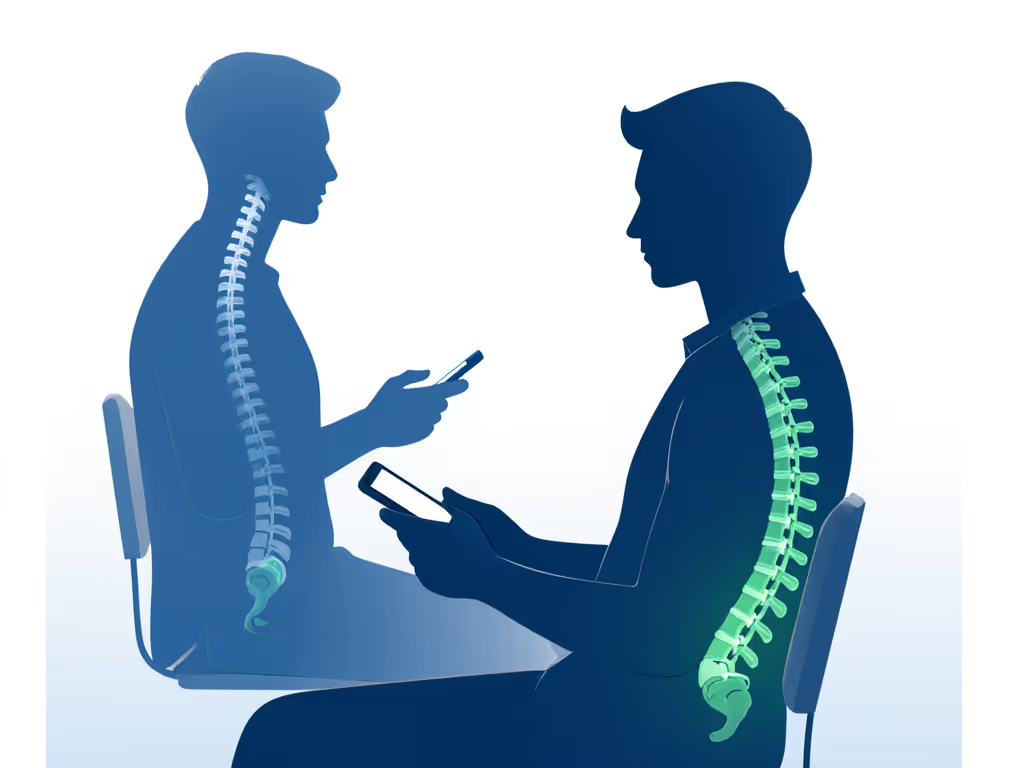
Mobile gaming might seem casual, but slouching on the couch with your phone creates unique strain patterns. Unlike PC gaming where your arms stay relatively stable, handheld gaming posture involves frequent micro-adjustments (tilting your device, cradling it in one hand, or leaning forward to see better). This constant readjustment puts uneven pressure on your spine and shoulders, often leading to "text neck" or shoulder fatigue after just 30 minutes.
The Hidden Problem with "Casual" Setups
Most gamers default to sofas or floor cushions for mobile play, but these lack the structural support needed for extended sessions. Without proper lumbar contact and seat depth, your pelvis tilts backward, straining your lower back. And let's be honest, your couch wasn't designed for the forward head tilt required to view your phone clearly. This misalignment compounds quickly; within an hour, you're unconsciously hunching your shoulders to bring the screen closer. For a deeper look at maintaining neutral curves, see our spinal alignment guide.
Step 1: Measure Your Body Landmarks
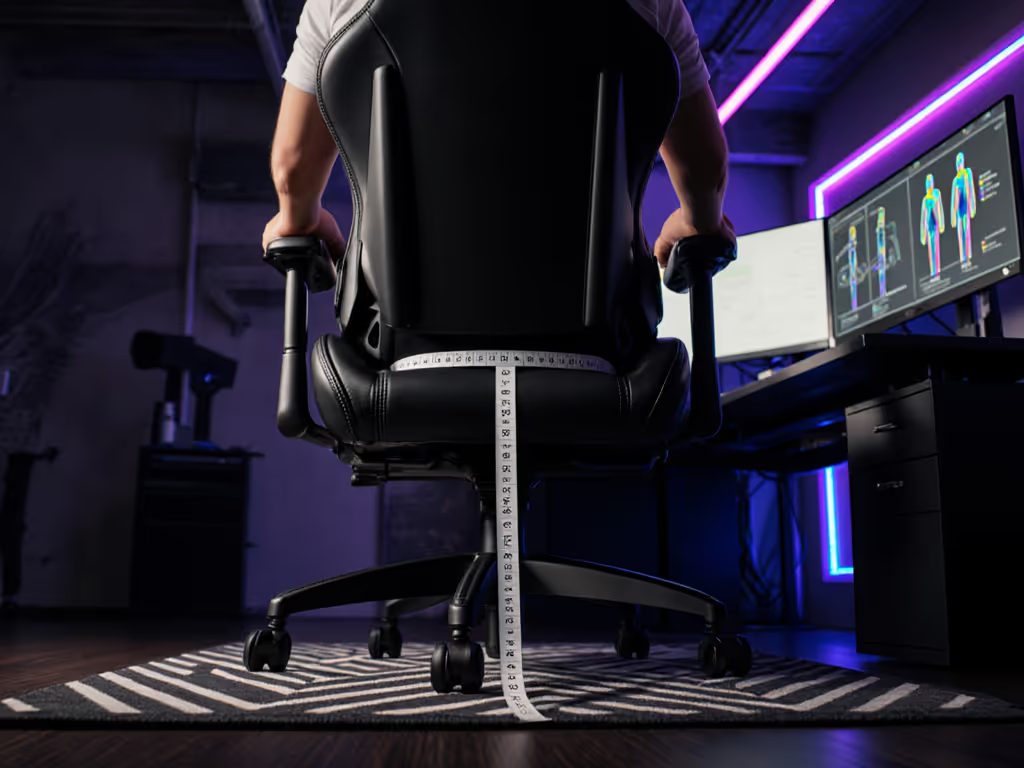
Comfort is personal because your body's measurements are unique. Forget "one-size-fits-all" promises, you need data specific to your frame. Grab a tape measure and note these three critical dimensions:
1. Inseam (Seat Depth Fit)
- Sit on a firm chair with feet flat
- Measure from the back of your knee to the wall behind you
- Your target seat depth range: Your measurement plus 2-3 cm (for clearance)
- Why it matters: Too deep = sliding forward and losing lumbar support; too shallow = thigh pressure cutting off circulation
2. Thigh Length (Seat Width/Contour)
- Measure widest point across both thighs while seated
- Your target seat width: Your measurement plus 3-5 cm (for movement)
- Why it matters: Mobile gaming involves shifting positions, your chair must accommodate cross-legged or side-leaning postures common with a portable gaming setup
3. Shoulder Breadth (Backrest Coverage)
- Measure across your shoulders at their widest point
- Your target backrest width: Your measurement plus 4-6 cm
- Why it matters: Narrow backrests force you to hunch; too wide creates unstable side-to-side movement when adjusting your phone angle
Comfort is data. Three numbers transform guesswork into confidence.
Step 2: Match Measurements to Chair Specs
Now translate your numbers into chair specifications. Don't just chase "ergonomic" labels, verify these critical dimensions against your measurements:
Seat Depth Range Check
| Your Inseam | Recommended Seat Depth |
|---|---|
| < 45 cm | 47-50 cm |
| 45-52 cm | 50-55 cm |
| > 52 cm | 55-60 cm |
If your measured inseam is 48 cm, for example, avoid chairs with fixed 58 cm depth, since they'll force you to sit on the edge to avoid knee pressure. For measurement techniques and adjustments, use our seat depth fit guide. Look for models with sliding seat mechanisms when browsing for a gaming chair.
The Butterfly Test for Seat Contour
Sit in potential chairs with your phone in gaming position:
- Your thighs should rest flat without pressure behind knees
- Knees should clear the front edge by two fingers' width
- Critical for mobile gaming: Seat front should curve downward ("waterfall edge") to prevent thigh compression when leaning forward to view your screen
Backrest Height Verification
- Top of headrest should align with your occiput (base of skull)
- Lumbar support must hit your natural curve, not higher or lower
- Recline range should include 105°-115° for optimal mobile device chair support during relaxed gameplay
Step 3: Optimize for Mobile Device Handling
Standard gaming chair adjustments miss mobile-specific needs. Apply these tweaks: Not sure which armrests you need? Compare 4D vs 3D armrests to dial in phone-friendly support.
Armrest Positioning for Phone Angles
- Set armrests 1-2 cm below desk height (since you're holding devices higher than a keyboard)
- Angle inward by 10-15° to support elbow rotation when tilting your phone
- Trade-off: Higher armrests reduce shoulder strain but may block screen visibility, so find your sweet spot
Dynamic Lumbar for Shifting Postures
Unlike PC gaming where you face forward, mobile play involves frequent position shifts. Prioritize chairs with:
- Dynamic or dial-adjustable lumbar (pillows often slide during position changes)
- Recline mechanisms that maintain lumbar contact through 90°-120° range
Step 4: Verify With Real-World Testing
Before committing, run this 10-minute validation:
- Play your usual mobile game while seated
- Check for:
- Thigh numbness (indicates seat depth too short)
- Shoulder hiking (armrests too low)
- Neck craning (backrest too low or monitor height mismatch)
- Note if you're constantly adjusting position, this signals poor body-chair alignment
Key verification: Can you play for 15 minutes without touching your neck or shoulders? If not, something's misaligned with your handheld gaming posture. If neck strain is your main issue, see our neck pain relief guide for headrest setup and cervical alignment tips.
The Comfort Equation That Actually Works
Your ideal chair isn't found in spec sheets alone, it's the intersection of your body measurements and usage patterns. A chair that fits your inseam but ignores your shoulder breadth will still fail you during marathon mobile sessions. That's why I never recommend models; I help you build a spec profile that works for your frame.
Remember my story: I stopped swapping cushions like band-aids once I measured instead of guessed. Your thighs, spine, and shoulders send constant feedback, so it's up to you to translate those signals into informed choices. When you prioritize measurable fit over marketing claims, you'll find that comfort isn't elusive. It's just waiting for you to measure it.
Ready to go deeper? Check out our companion guide "Mobile Device Angles: The Forgotten Ergonomics Factor" where we show exactly how tablet tilt affects neck strain, backed by pressure map data from 50 real gamers.
Related Articles