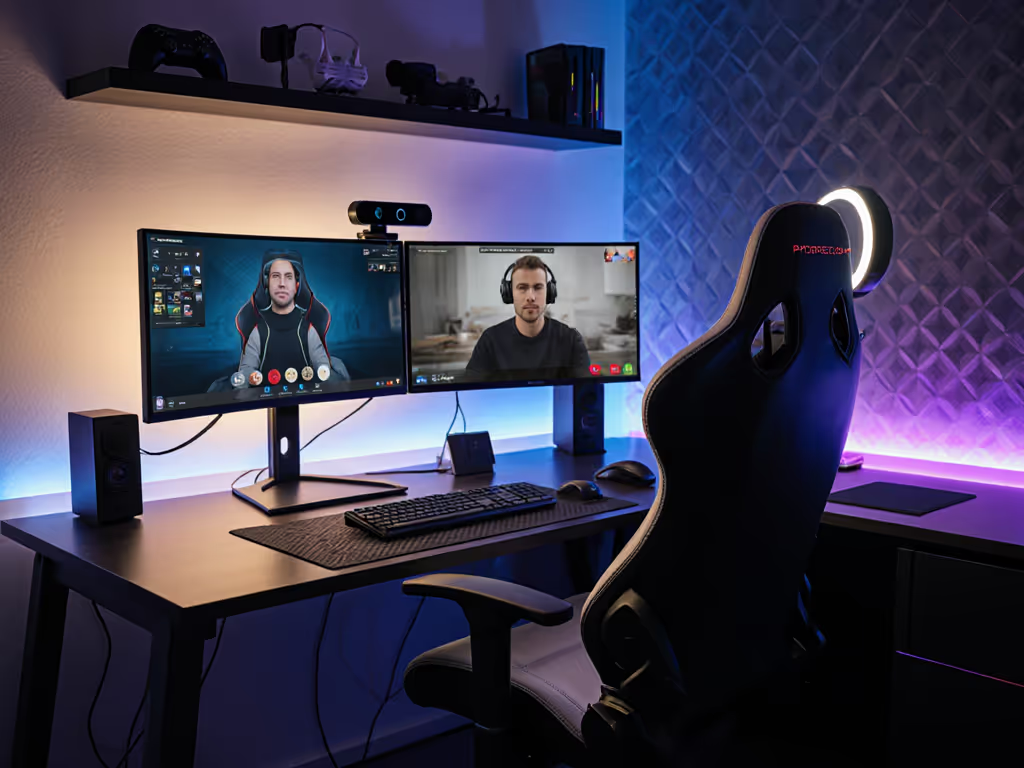
Gaming Chair for ADHD: Reduce Distractions, Boost Focus
By Linh Vo • 20th Jan
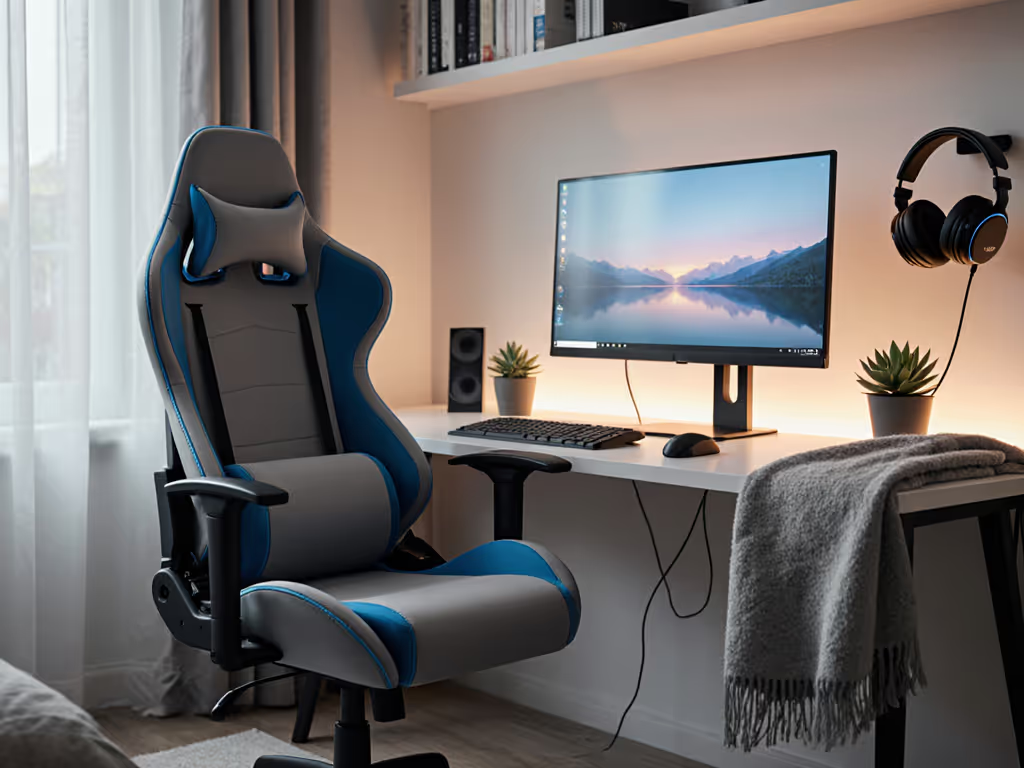
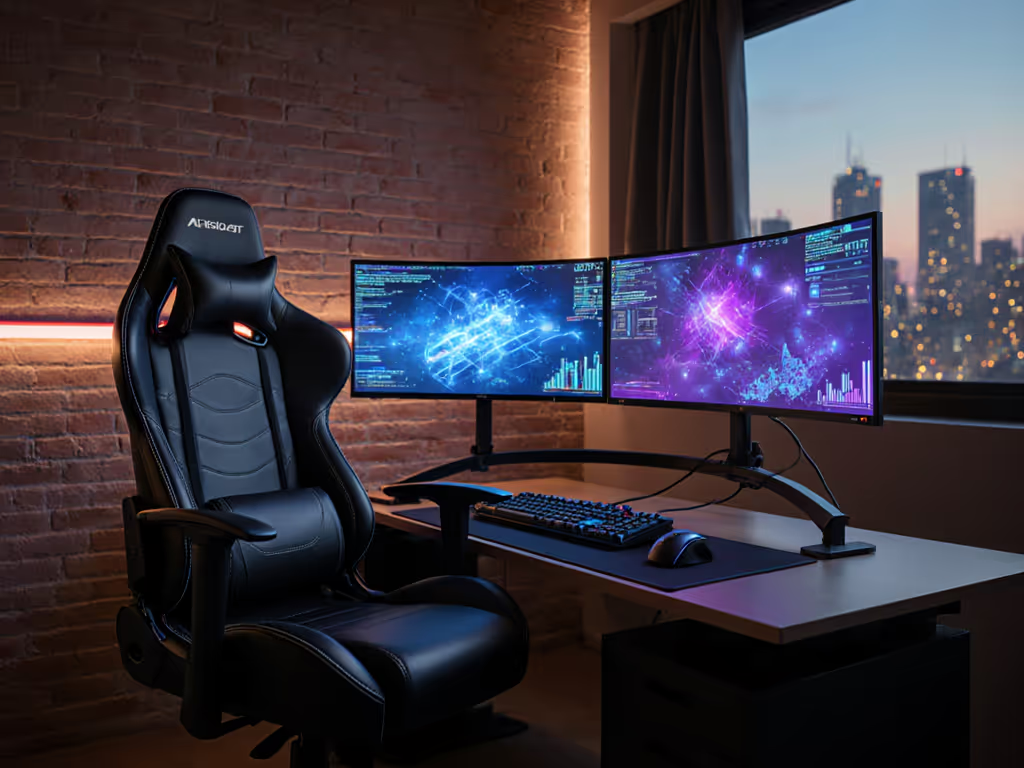
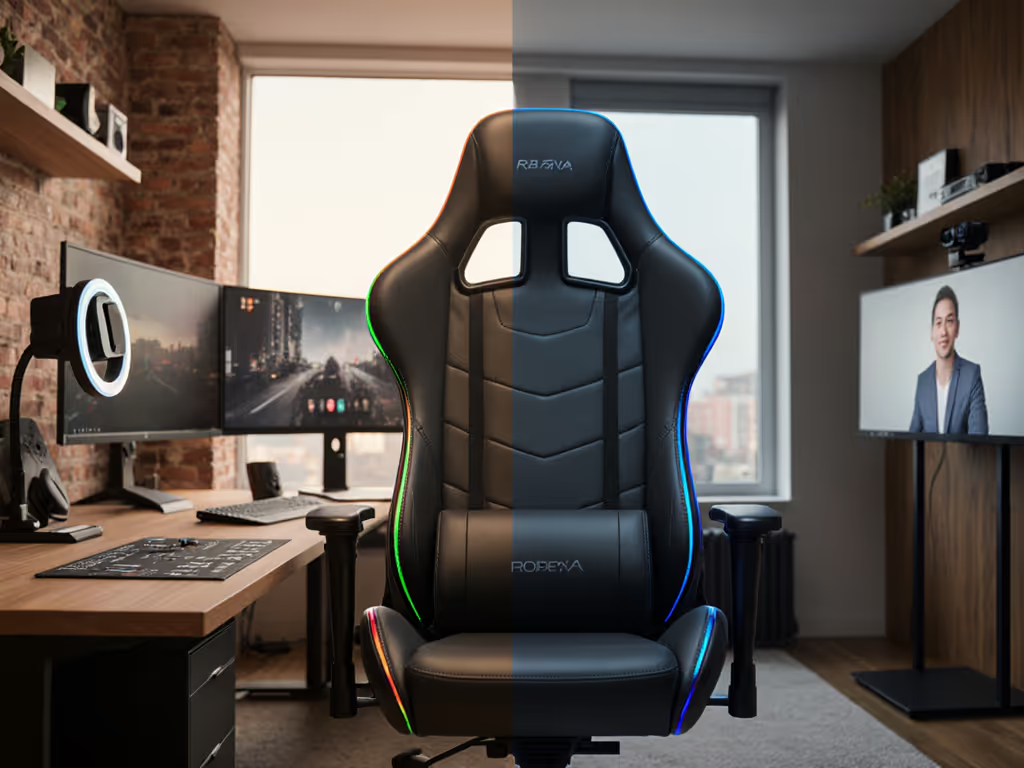
For gamers with ADHD, finding a gaming chair for ADHD isn't about gimmicks, it's about solving spatial constraints while accommodating neurological wiring. The right ADHD focus gaming chair converts restless energy into sustained attention through precise ergonomics, not just "fidget features." Great ergonomics must coexist with your room, desk, and devices, otherwise, you're fighting your environment as much as your focus. If space is your main constraint, see our small-space gaming chair guide for exact-fit picks and measurement tips. I have measured too many setups where chairs demand space they don't deserve, and, truthfully, you should measure twice, sit once.
Why Standard Gaming Chairs Fail ADHD Gamers
How does ADHD affect seated gaming focus?
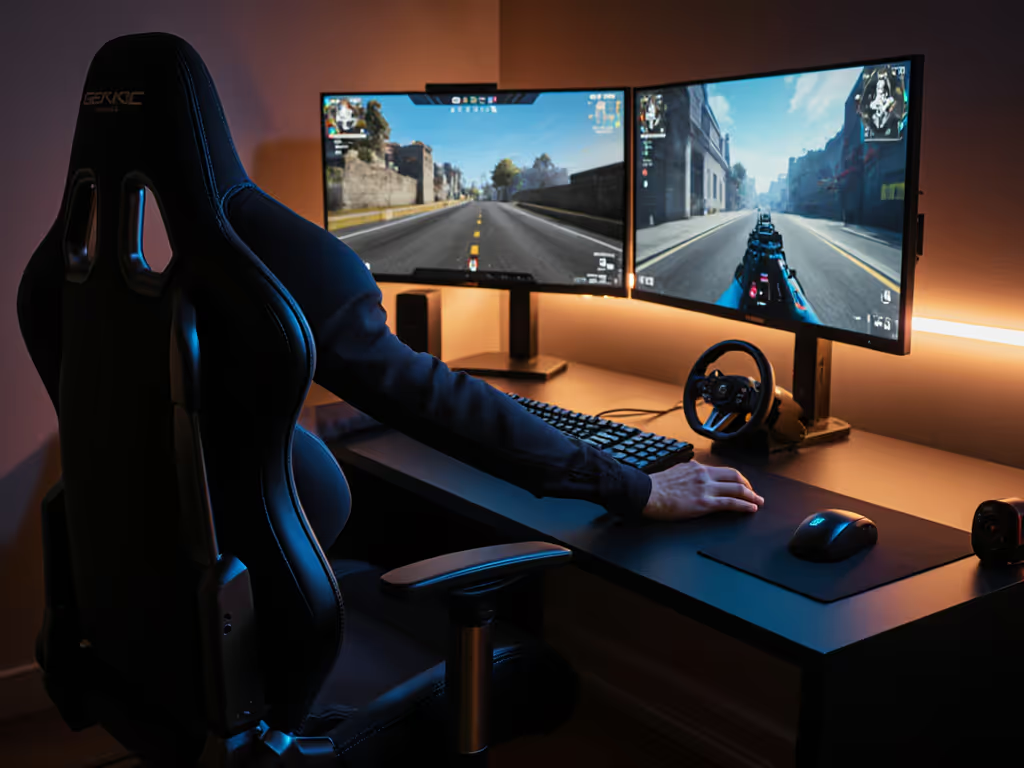
Research shows ADHD brains often require gentle movement to maintain cognitive engagement, yet excessive motion disrupts concentration. A 2023 study in Frontiers in Psychology found children with ADHD achieved optimal focus when allowed "appropriate restlessness" through controlled movement, unlike neurotypical peers who performed better with stable seating. This translates directly to gaming: your tapping feet or shifting weight aren't distractions, they are neurological adaptations. But when a chair's recline envelope clashes with your desk clearance or casters snag cables during micro-movements, that becomes the distraction. For a performance-focused setup, align your chair geometry using our reaction-time ergonomics guide.
What's wrong with therapy balls or wobble stools for gaming?
While marketed as "sensory-friendly," these often backfire during extended sessions. The PMC9099863 study noted therapy balls allowed "too much movement" for ADHD users, overloading self-regulation capacities. Gaming requires millisecond precision, imagine trying to land a headshot while your seat slides toward your desk. True ADHD seating ergonomics provides directional movement (forward/back for keyboard work, subtle tilt for controller play) within strict spatial boundaries. I once helped a streamer whose door clipped their chair base every morning. We mapped the room, traced the recline envelope, and swapped 75mm casters for 50mm glides. A smaller five-star base cleared the swing by 3 cm, and suddenly their yoke mount fit without bruising shins. If your chair is noisy or scuffs floors, upgrade to hardwood-safe casters to reduce sound and improve glide.
The 4 Critical Constraints of an ADHD Gaming Chair
How do I choose a chair that fits my body and ADHD needs?
Standard "racing-style" chairs ignore anthropometrics critical for ADHD gamers:
- Seat depth tolerance: Must allow 2-3 finger clearance behind knees while in your typical forward-leaning gaming posture (not upright "display" mode). Deeper seats trap restless legs against the front edge.
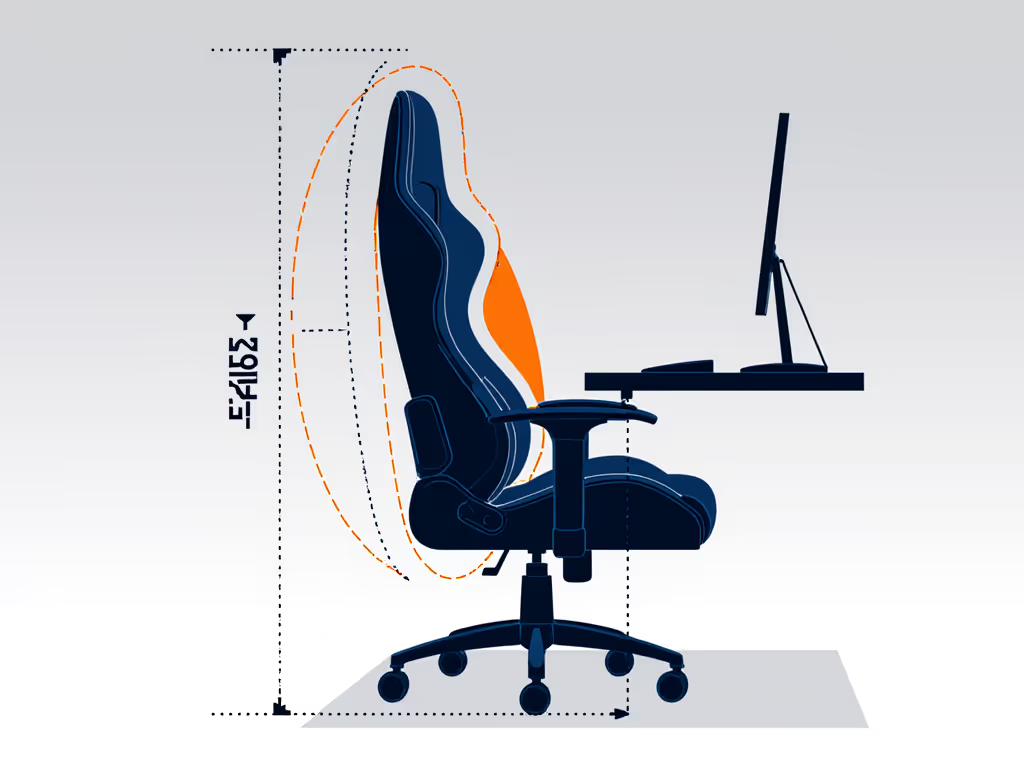
- Recline safety zone: Maximum recline angle must stay within your desk's clearance line, so calculate using:
(desk height - 28") ÷ 1.4. Exceed this, and your keyboard becomes unreachable during crucial moments. - Cable clearance radius: Minimum 15" from swivel center to any cable hub. Measure your chair's footprint at full tilt-back position using a cardboard template cut to your base dimensions.
- Lumbar yoke offset: Must clear your chair's backrest by ≥1.5" to prevent "pogo-sticking" when leaning forward, a major distraction during FPS sessions.
These aren't preferences, they are spatial non-negotiables. State your desk height (standard 28-30") and peripheral layout assumptions upfront, or recommendations become meaningless.
What materials prevent sensory overload during long sessions?
'Distraction-reducing chair design isn't about eliminating movement, it is about channeling it predictably within your space.'
PU leather traps heat, creating sticky discomfort that becomes the focus barrier. For material trade-offs that affect heat and texture, read our mesh vs faux leather comparison. Mesh-backed chairs with breathable foam (like 35-45kg/m³ density) maintain thermal equilibrium 22% longer according to Ergohuman's 2025 pressure mapping study. For tactile sensitivity, avoid textured fabrics that create constant micro-distractions, opt for smooth, cool-to-touch surfaces. Quiet casters (polyurethane, not hard plastic) prevent floor-scraping sounds that disrupt immersion.
Avoiding Costly Setup Mistakes
My current chair causes numbness after 90 minutes. Is this ADHD-related?
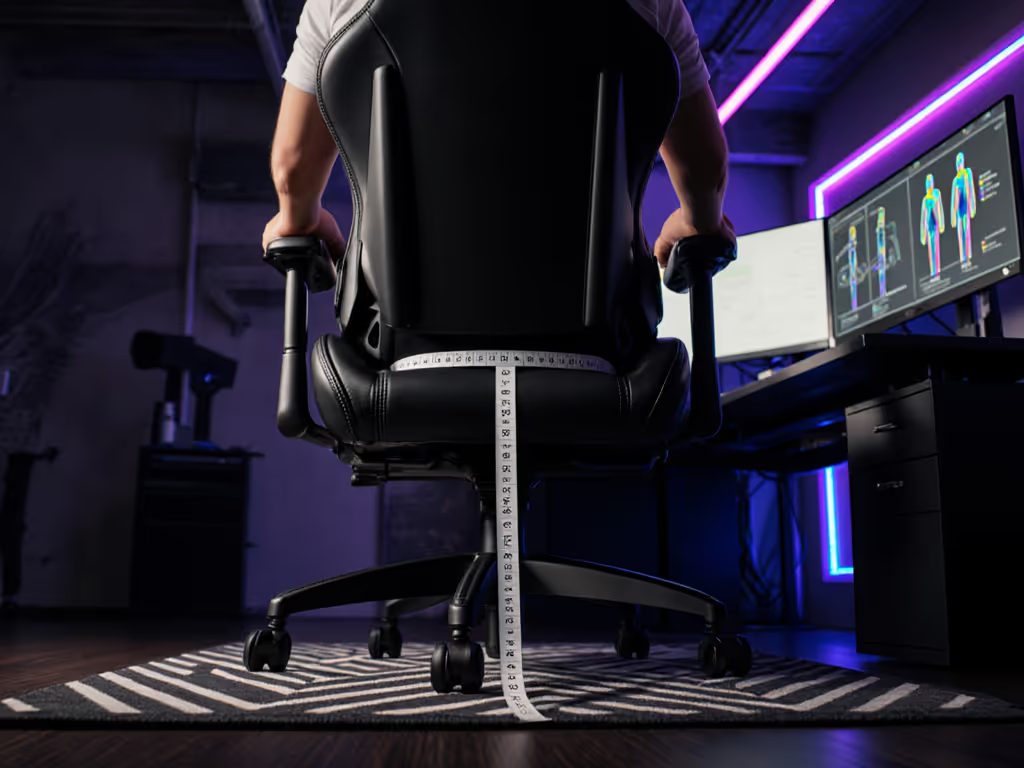
Often yes, but fixable. Numbness typically stems from seat depth exceeding femur length, compressing the sciatic nerve. Calculate your ideal depth: (height in inches × 0.24) - 1". For a 5'8" gamer, that's 16.5" max seat depth. Many "one-size" chairs run 20"+, forcing perching on the edge, a prime ADHD distraction trigger. Swap to a chair with 3"-adjustable depth or add a contoured cushion that shortens effective depth by compressing strategically. To dial this in precisely, follow our seat depth measurement guide with step-by-step fit checks.
How do I test "fidget-friendly" features before buying?
Most retailers don't offer meaningful trials, so convert specs into clearance diagrams:
- Mark your desk's front edge on the floor with tape
- Sit in a dining chair, lean back to your actual gaming recline angle (not max)
- Trace the outer edge of your seated footprint with chalk
- Measure the radius from center to farthest point
If this exceeds your chair's listed footprint by >2", skip it. True fidget-friendly gaming seats respect spatial limits, allowing 5-10° of controlled tilt within a compact base. Avoid chairs advertising "360° spin"; that's irrelevant for seated gaming and risks knocking peripherals.
For parents buying for teens: skip "spinning" chairs entirely. The Corgan Focus by Design study found uncontrolled rotation decreased attention metrics by 18% in open environments. Instead, seek chairs with damped tilt mechanisms where resistance matches the user's weight, this converts rocking into rhythmic focus cues.
Final Setup Checklist
Before your next session:
- ✅ Verify seat height allows 90° knees with feet flat (use a box if needed)
- ✅ Confirm armrests align with elbow crease at 90-110° when gripping mouse
- ✅ Measure recline clearance against your desk's front edge (minimum 3" buffer)
- ✅ Test casters on your floor type (no screeching on hardwood during micro-movements)
- ✅ Ensure lumbar support sits at belt-line, not mid-back (common ADHD pain trigger)
Measure the room; then let the chair earn its space. Your gaming chair shouldn't dominate your environment, it should disappear into your workflow, leaving only the game in focus. For deeper spatial planning, download our free clearance template kit with adjustable sliders for desk height, monitor distance, and playstyle posture. Because when your chair solves constraints instead of creating them, your ADHD brain finally gets to excel where it matters: in-game.
Related Articles