Pink Gaming Chair Lighting: Integrated vs External RGB
By Jamal Okoye • 29th May
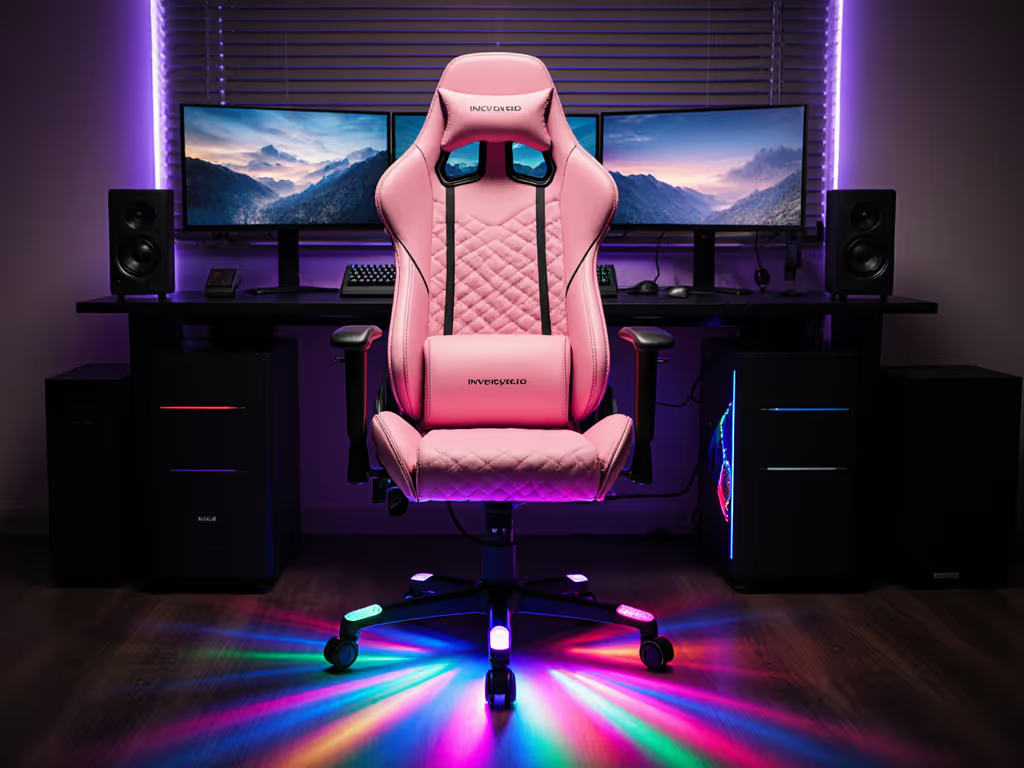
A pink gaming chair with RGB can absolutely boost your setup's vibe, but whether integrated vs external lighting is better comes down to fit, comfort, and how flexible you want your lighting ecosystem to be. Integrated RGB looks cleaner on the chair itself, while external lighting almost always wins for comfort, upgradeability, and serious customization.
Why chair fit still matters more than RGB
Before we talk LEDs, cables, and controllers, I want you to anchor on one thing: your body dictates the shortlist. Start with your measurements; let specs narrow the field. For a deeper dive into fit and posture fundamentals, read our spinal alignment ergonomics guide.
If your current gaming chair leaves you with:
- A backrest that stops below your shoulders
- Seat edges biting into your thighs
- Feet dangling or knees higher than your hips
... then lighting isn't your main constraint yet. Those are fit issues, not style issues.
I define fit around a few landmarks:
- Seat depth: When you sit all the way back, you want 2–3 fingers of space between the seat front and the back of your knee.
- Seat width: You should have 1-2 cm of space per side at the widest point of your hips/thighs, no bolsters squeezing your legs.
- Backrest height: The top should land somewhere between the top of your shoulders and the crown of your head for full support.
- Seat height: With feet flat, knees at (or just under) 90°, and forearms level with your desk.
Once I started measuring inseam, thigh length, and shoulder breadth, the numb legs and mid-session fidgeting stopped almost overnight. To size your seat precisely, use our seat depth measurement guide. A slightly taller cylinder, a seat with a softer front edge, and the right backrest height did more for my comfort than any lighting ever could.
Fit beats flair. Get the chair dimensions right first; then decide how you want it to glow.
Most pink gaming chairs on the market lean heavily into looks (color, stitching, logos, and sometimes matching pillows) because they're aimed at people building a themed setup. That's fine, as long as you don't trade away fundamentals like seat depth and backrest height just to get built-in RGB.
What "integrated vs external lighting" actually means
Integrated lighting on a pink gaming chair
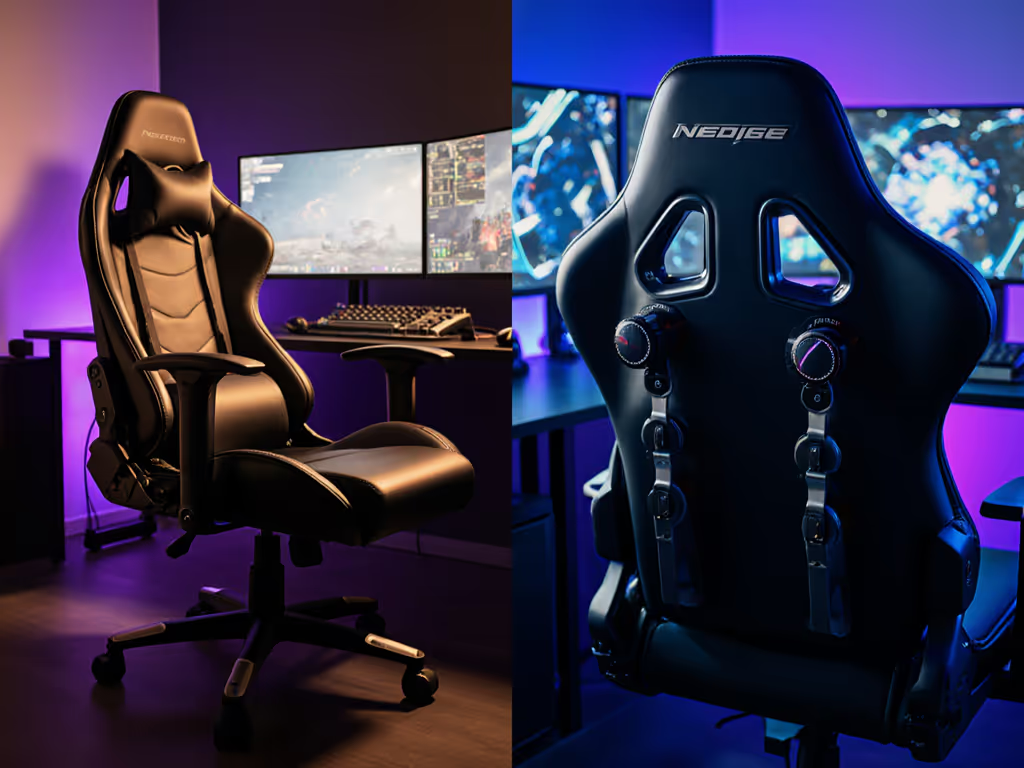
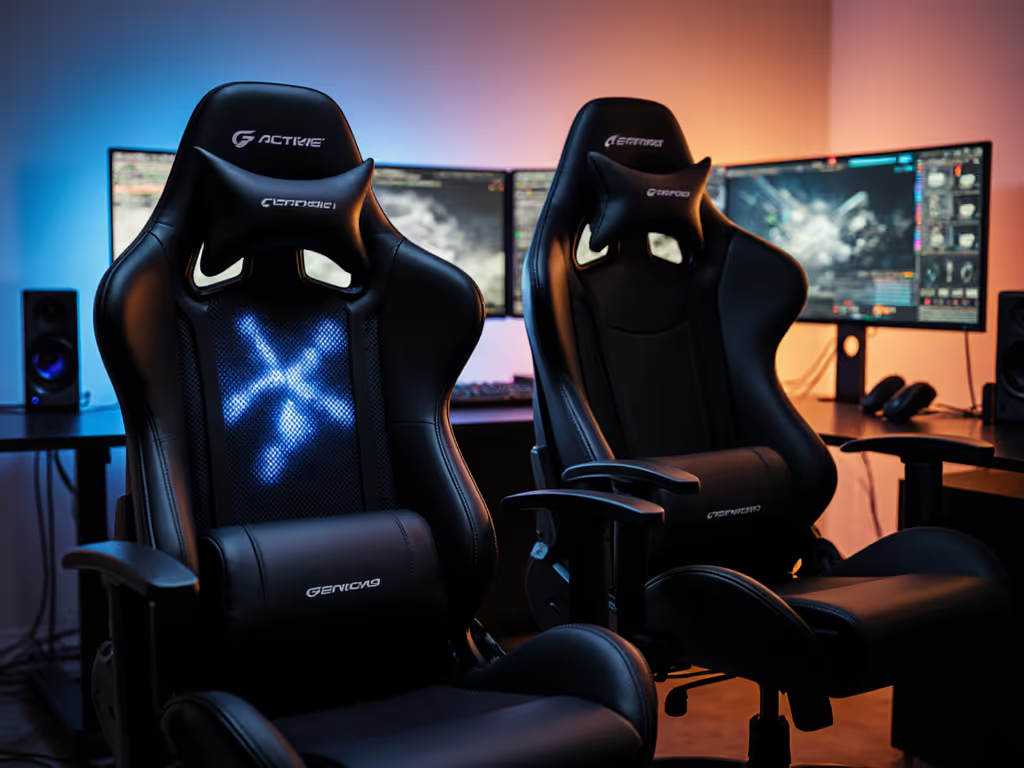
An integrated RGB gaming chair has lighting physically built into the chair itself. Common implementations include:
- LED strips running along the backrest edges
- Light piping around the seat base or under the chair
- Small RGB zones on logos or side panels
Power and control typically work one of these ways:
- USB cable running from the chair to your PC or a wall adapter
- Battery pack/power bank in a side pocket or under the seat
- A small inline RGB controller or remote included with the chair
For a pink model, this often means a white or pastel frame with subtle (or not-so-subtle) RGB racing around the silhouette, very "gaming gaming chair" visually.
Upsides of integrated lighting
- Clean, minimal visible wiring on-camera.
- The light follows the shape of the chair, which reads well on stream.
- One purchase, one assembly: nothing extra to mount.
Downsides of integrated lighting
- Extra failure points: if the LEDs or controller die, the chair still works but your effect is gone.
- Limited RGB controller compatibility: many built-in systems don't sync with your full PC ecosystem; you're stuck using their remote or basic modes.
- Potential cable drag if the chair needs a permanent USB tether.
External RGB lighting around your chair
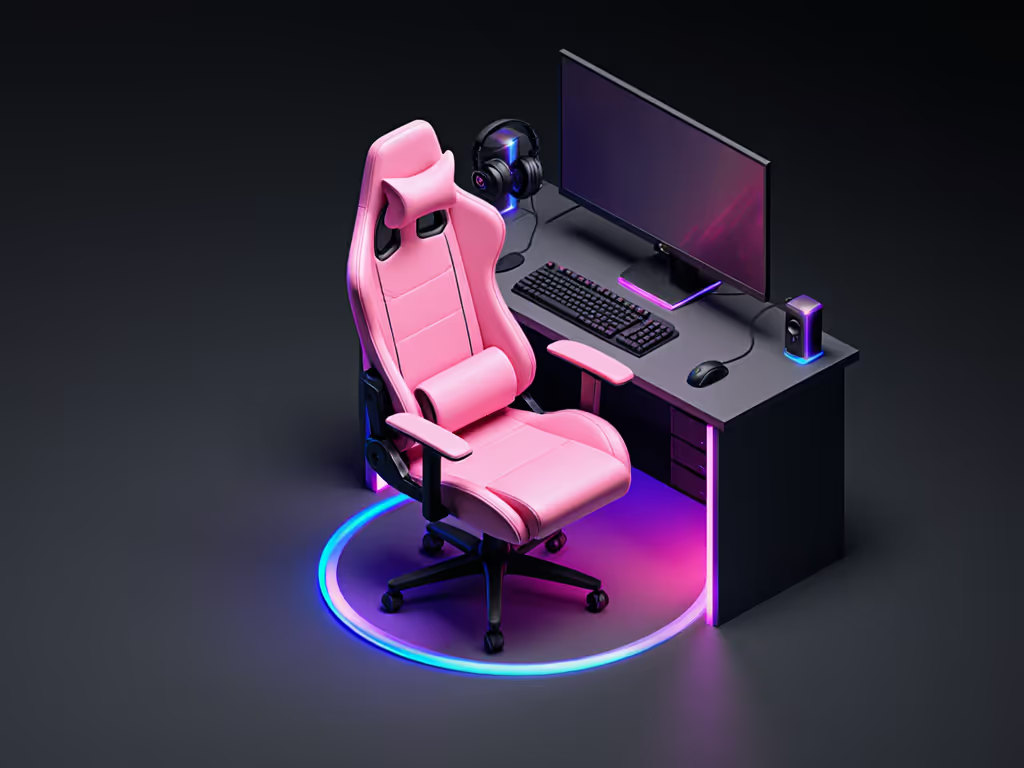
External lighting means everything that's not wired into the chair:
- LED strips on the desk edge or behind monitors
- Floor lamps, light towers, or wall panels behind the chair
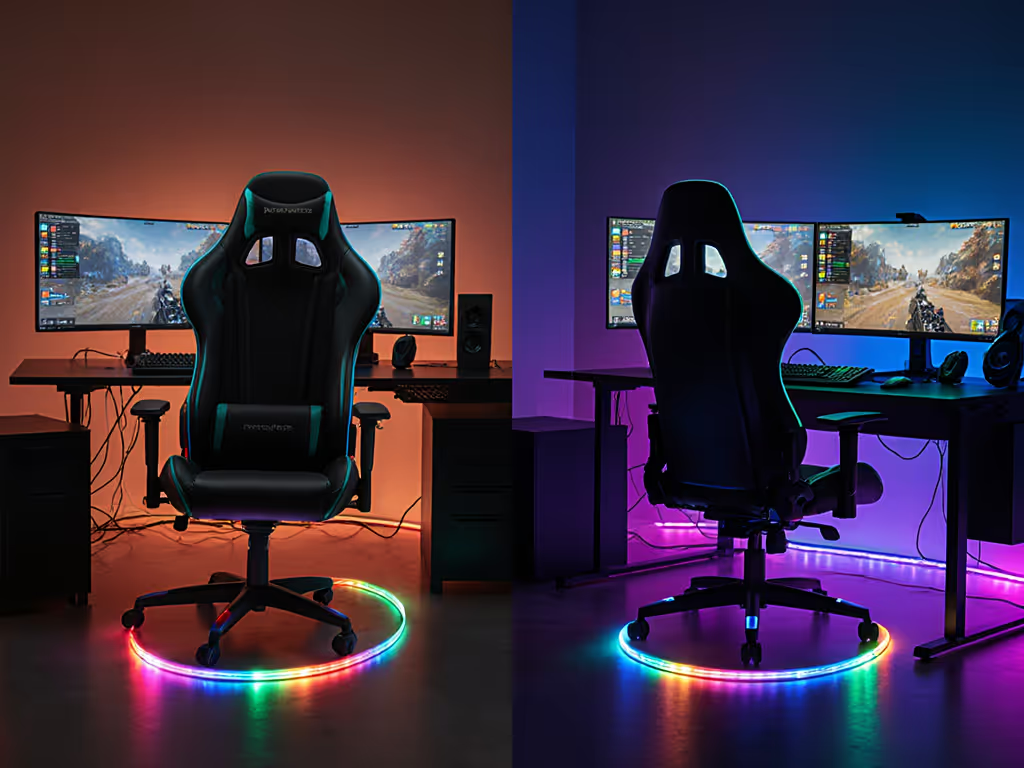
- Light bars on the floor behind the base to create a halo
- Clip-on strips attached to the chair's frame, but not hardwired into it
Here, the chair itself (pink or otherwise) stays "dumb," and your room and rig carry the RGB.
Upsides of external lighting
- Huge flexibility: move, re-aim, or replace lights without touching the chair.
- Better ecosystem control: easy to tie into PC software and smart home setups, improving RGB controller compatibility.
- No extra electronics inside the pad or cushion that could affect comfort.
Downsides of external lighting
- Slightly more visible hardware and cables in small spaces.
- Requires some mounting and cable management creativity.
Aesthetics & on-camera presence
If you stream or appear on video calls, the question is less "Which one is objectively better?" and more "Where do I want the eye to go?" For quick transitions between meetings and gaming, see our video call posture guide.
Integrated lighting: the chair as the centerpiece
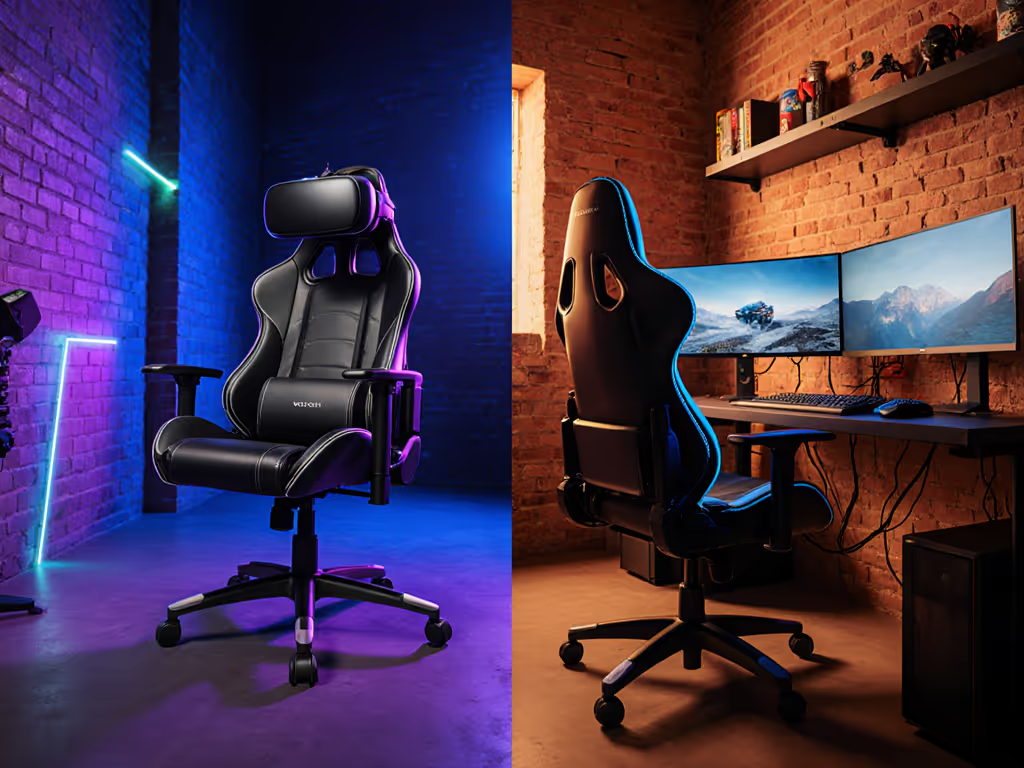
When RGB is baked into your pink gaming chair, you get a clear focal object: the chair becomes the glowing hero in frame. This works especially well if:
- You sit with your back to the wall, and the chair is always visible.
- You want a strongly branded or "character" vibe (cosplay, VTuber, or themed channel).
- You prefer a simpler room but want that unmistakable gaming chair silhouette lit up.
The trade-off is that your lighting pattern is married to that specific chair. If you change chairs (for a better fit, or later upgrade), you lose a big part of the look.
External lighting: the room as the canvas
With external RGB:
- You can wash the wall behind you in pink/blue gradients.
- Accent the edges of your desk and monitors.
- Add a subtle halo around a plain pink chair without touching its structure.
This gives you a "pro by day, gamer by night" setup:
- Work hours: lights off or low, pink chair reads as a soft, modern office gaming chair.
- Game/stream hours: lights on, room glows, and the whole scene transforms.
If you like to tweak scenes for different games or moods, external lighting wins on sheer versatility.
Comfort, heat, and ergonomics: does lighting change how it feels?
Lighting heat impact
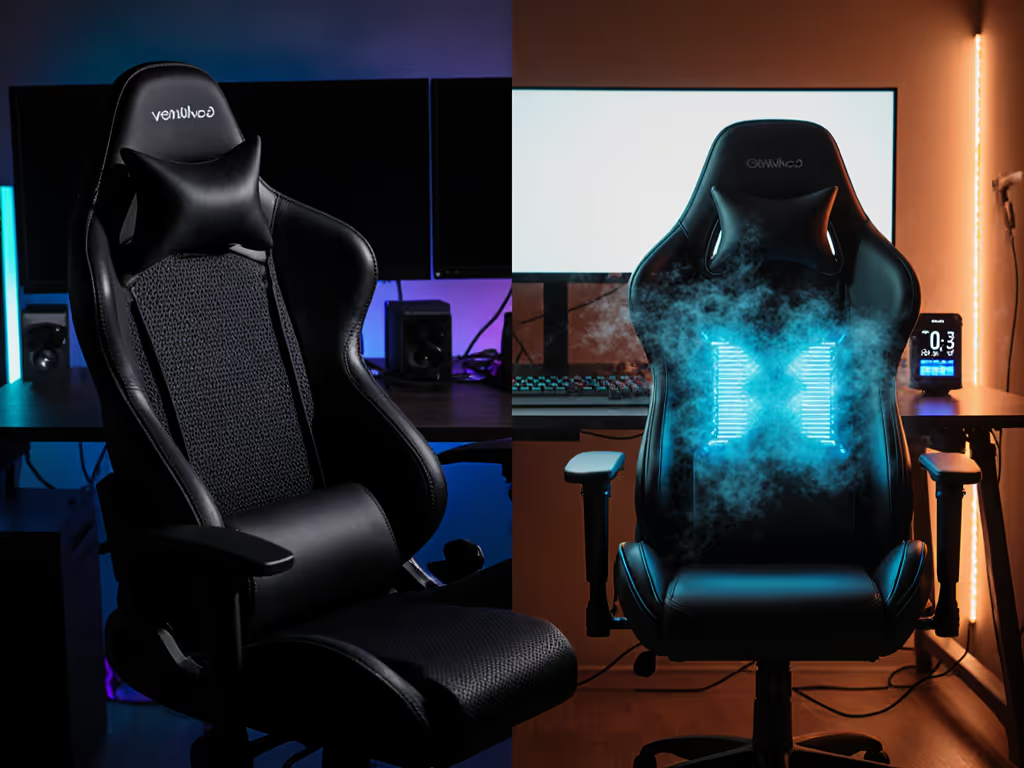
From a hardware perspective, LED strips generate very little heat compared to your body and the foam of the chair. See our RGB heat impact comparison of built-in vs external lighting. The bigger heat issue is usually the upholstery.
Many pink gaming chairs rely on PU leather for that smooth, glossy finish, which tends to trap more warmth and moisture than breathable fabric, a difference highlighted in multiple chair roundups. If you already run hot, the material choice and foam density matter far more than the LEDs themselves. Learn how foam specs translate to comfort in our foam density explainer.
If you're worried about lighting heat impact, focus on:
- Fabric or hybrid upholstery over solid PU.
- Perforated surfaces and less aggressive bolsters.
- Room airflow (fans, open door, or AC) during long sessions.
The LEDs inside a properly designed system shouldn't meaningfully change seat temperature; the risk is when cables, diffusers, or plastic channels reduce the breathable area or create hard edges.
Cables, posture, and movement
This is where integrated lighting can subtly affect ergonomics:
- A USB cable from the chair to the PC can limit how freely you swivel.
- If you scoot back and forth a lot or lean hard in shooters, that tether can tug.
- You might unconsciously shorten your movements to avoid yanking a cable, which changes how you sit.
For controller players or those who recline heavily for RPGs/MMOs, any cable running off the chair is worth questioning. A battery pack is better for movement, but it adds:
- A small weight in one location
- Possible lump if it's near your thigh or hip
If you've ever had pins and needles set in halfway through hour two, you know small interruptions to posture matter. I'd rather keep the chair as mechanically clean as possible and push complexity out to the room.
External lighting keeps the chair free of extra hardware. You can spin, recline, raise/lower, and shift your weight without worrying about a cable snag.
Reliability, durability, and safety
Integrated lighting inside the chair
When RGB is inside the chair:
- The wiring runs through moving parts (backrest hinges, tilt mechanism, swiveling base).
- Repeated motion and loading over years can wear cables or connections.
- If something fails out of warranty, replacing LEDs is usually non-trivial.
Pink gaming chairs already walk a fine line between style and long-term durability; foam quality, frame strength, and upholstery matter a lot if you're taller or heavier. Adding electronics gives you one more category that has to survive daily use.
External lighting outside the chair
With external lights:
- Each light is a separate component: if a strip dies, your chair doesn't care.
- Upgrading to a new lighting standard or RGB ecosystem doesn't involve replacing your seating.
In terms of electrical safety, both options usually run on low-voltage DC (5-12V). The main practical safety concerns are:
- Avoiding pinched or crushed cables under the chair base.
- Keeping cheap USB controllers away from liquids and excessive heat.
From a longevity standpoint, I'd rather see your budget go into a chair with robust frame, foam, cylinder, and casters than into built-in lighting that may or may not outlast the upholstery.
RGB controller compatibility and ecosystems
If you care about full-desk sync - keyboards, mouse, PC case, nanopanels, the works - then RGB controller compatibility becomes a deciding factor.
Integrated systems
Most integrated chair RGB setups today:
- Use simple remote controls (IR or RF) with pre-baked modes.
- Offer limited or no support for PC RGB suites (iCUE, Chroma, Aura, etc.).
- Rarely expose a standard 3-pin or 4-pin ARGB interface.
You might get a USB-powered controller, but "USB-powered" is very different from "addressable and sync'd to your motherboard." You can often match colors manually, but not true animations.
External systems
External strips, bars, and panels are more likely to:
- Plug into your PC motherboard ARGB headers.
- Integrate with brand ecosystems (Corsair, Razer, Logitech, etc.).
- Tie into smart home controls for room-wide scenes.
This is where external lighting shines. You can build one coherent scheme: when you ult in a game or receive a Twitch event, the entire room, including the light behind your pink chair, reacts.
If sync and automation are your priorities, external RGB wins by a wide margin.
Space, cable management, and small rooms
If you're in a dorm, studio, or compact office, footprint is real.
Integrated RGB chair:
- Adds no extra boxes or stands to your floor space.
- May still require a visible cable running along the floor to power.
External lighting:
- Can clutter if you add too many stands or strips without a plan.
- But can also be very clean if you run one strip behind the desk and a light bar behind the chair base.
For tight spaces, I'd sketch the setup:
- Mark where your desk, chair, and monitors sit.
- Decide where your primary camera angle is.
- Place lights where they're off to the side but still visible on-camera, keeping paths clear.
You want to avoid a situation where you roll your chair back and constantly bump a floor lamp or tug on a strip.
So which should you choose for your pink gaming chair?
Here's a plain comparison to help you decide.
| Aspect | Integrated RGB in Chair | External RGB Around Chair |
|---|---|---|
| Visual impact | Chair is the glowing focal point | Room and backdrop become the canvas |
| Comfort impact | Potential for cable drag or lumps; no direct heat issue | Chair remains mechanically clean; comfort determined by chair spec |
| Lighting heat impact | Minimal from LEDs; main concern is still upholstery and foam | Same; heat depends on chair and room, not external lights |
| RGB controller compatibility | Often basic modes; limited ecosystem sync | Much easier to sync with PC and smart lighting |
| Upgrade path | Locked to that chair; hard to repair | Easy to swap lights without touching the chair |
| Space & cable management | Fewer visible devices, but possibly one tether | More devices, but can be routed cleanly with planning |
| Best fit for... | Streamers who want the chair itself to be the star and don't mind some limits | Gamers who prioritize ergonomics, ecosystem sync, and long-term flexibility |
A stepwise decision guide (using your body, not just your eyes)
To bring it all together, here's how I'd walk you through the choice.
Step 1: Lock in the fit ranges
Measure:
- Popliteal height (floor to back of knee while seated) to size your cylinder.
- Thigh length (back of hip to back of knee) to set ideal seat depth.
- Hip/shoulder breadth to determine minimum seat width and backrest width.
Use these to filter pink chairs, RGB or not. Prioritize models that:
- Offer multiple cylinder options or at least a height range that matches your desk.
- Have an open seat front (rounded edge, minimal hard bolsters) if you're prone to leg numbness.
- Include a backrest tall enough that you're not resting your head on the frame.
Step 2: Decide how often you'll be on-camera
- Always on-camera (streamer/content creator): Think about how the frame looks when you move, lean, or swivel.
- Sometimes on-camera: You might prefer external lights you can switch off or dim for focus.
- Rarely on-camera: You can treat lighting purely as your own mood enhancer.
Step 3: Choose your lighting strategy
- If your top priority is a cohesive RGB ecosystem, minimal comfort trade-offs, and easy upgrades, go external.
- If your top priority is a dramatic, unmistakable pink RGB throne and you're okay with potential limits on control and repair, consider integrated.
For most optimization-driven gamers (especially those who've already been burned by flashy, uncomfortable chairs), I lean toward a well-fitted pink gaming chair plus external RGB. It lets you dial in ergonomics now, and evolve your lighting later.
Step 4: Test your setup in "real session" conditions
Once you have a configuration in mind:
- Sit for at least 60-90 minutes in your primary posture (aiming, raiding, or relaxed story mode).
- Notice any cable awareness: did you subconsciously adjust because of a tether?
- Check temperature and sweat: is the upholstery or foam the limiting factor, not the lights?
If everything feels natural and you forget about the lighting until you see the stream replay, you've done it right.
Fit beats flair, but when you get the fit right first, your flair can finally shine without getting in the way of your game.
Related Articles